How to change post sender on Intercom
Here is how to change post sender on intercom
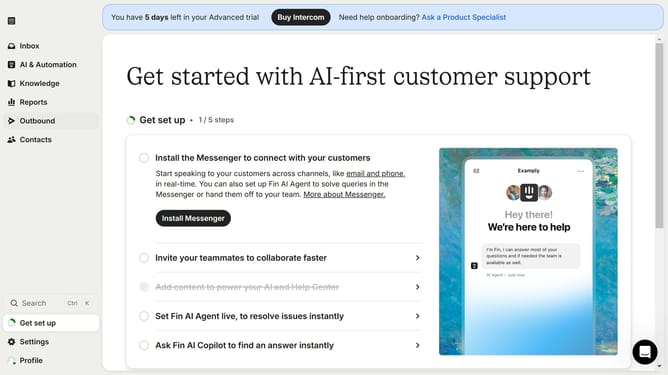
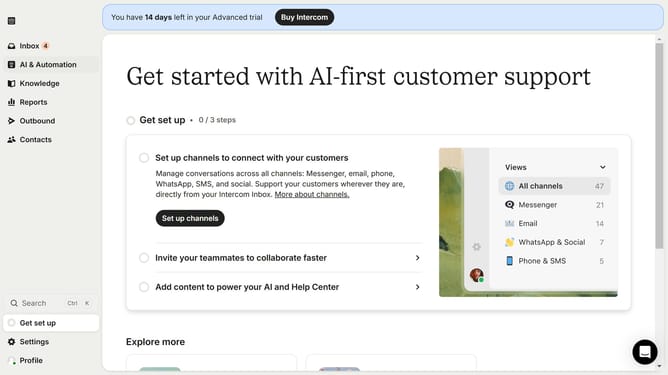
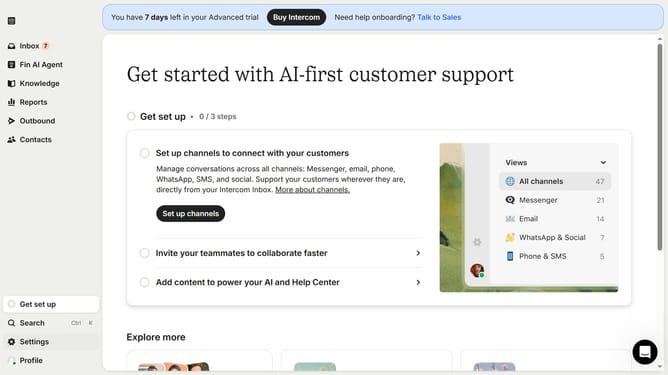
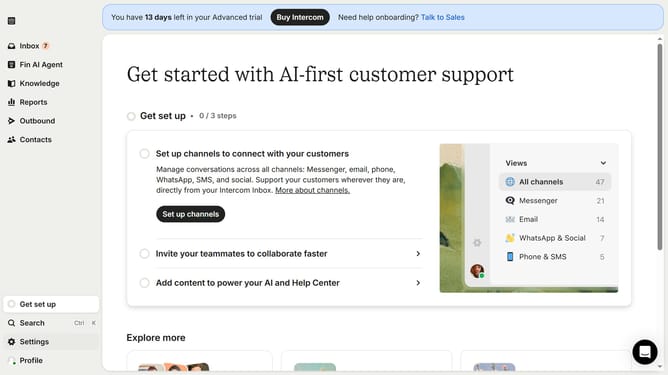
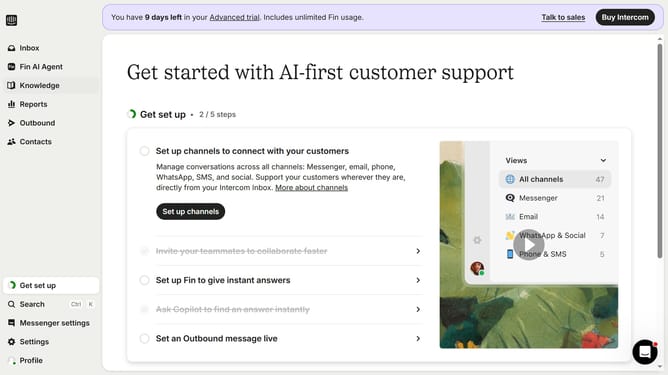
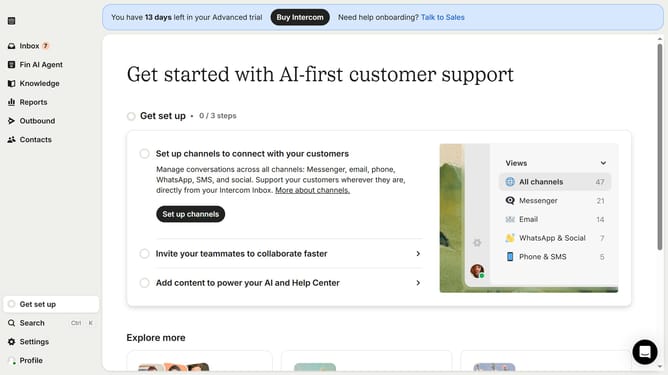
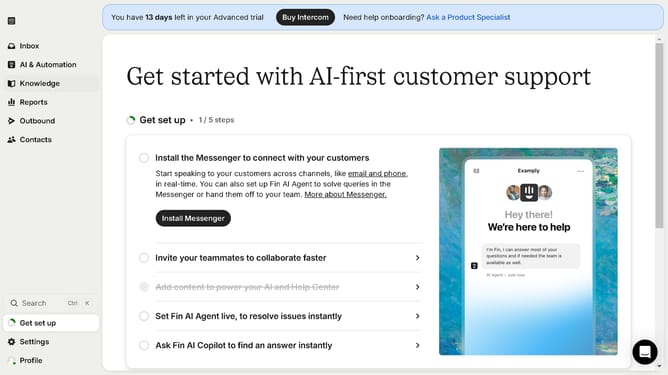
- First click on "Outbound" in the sidebar
- Then click on Post Message in the messages list
- Then click on the "Edit" button
- Then click on the dropdown in the "From" field
- Then select the new sender from the dropdown menu
- Finally click on the "Save and close" button
Why should you change post sender on Intercom
Intercom revolutionizes customer communication by providing a seamless platform for businesses to interact with their audience.
One of its standout features is the ability to change the post sender, enhancing personalization in your communications.
This feature allows you to tailor messages from different team members, nurturing a more personal connection with customers.
Adapting the sender fosters trust and clarity, ultimately improving customer experience and engagement.
Last update