How to import internal articles on Intercom from Confluence
Here is how to import internal articles on intercom from confluence
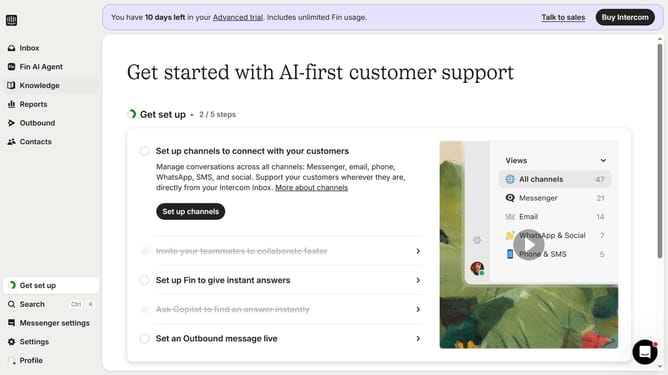
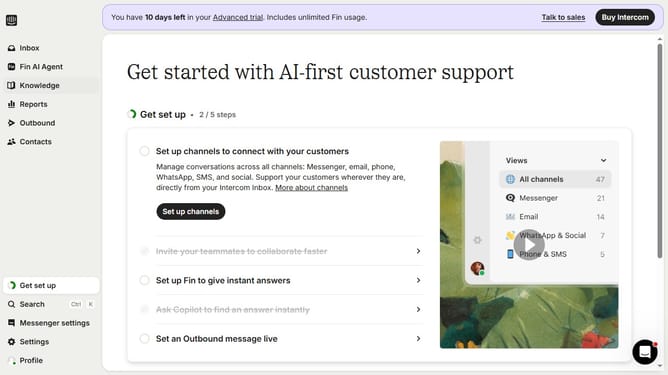
- First click on "Knowledge" item in the left sidebar
- Then click on "New content" button in the top toolbar
- Next click on the option in the content import section
- Then click the "Accept" button on the Atlassian authorization page
- Click on the dropdown icon to select the space to import
- Then click on the "Import" radio button in the connection options
- Finally click on "Import" button at the bottom of the dialog to finish configuration
Why should you import internal articles on Intercom from Confluence
Intercom is a leading platform designed to streamline customer communication and support.
One of its outstanding features is the ability to import internal articles from Confluence, which simplifies information consolidation.
This feature enhances collaboration by ensuring that your support team has quick access to consistent and updated knowledge, directly improving the customer experience.
By seamlessly integrating these platforms, you ensure that information consistency and team efficiency are optimally achieved.
Last update