How to block a contact in Intercom
Here is how to block a contact in intercom
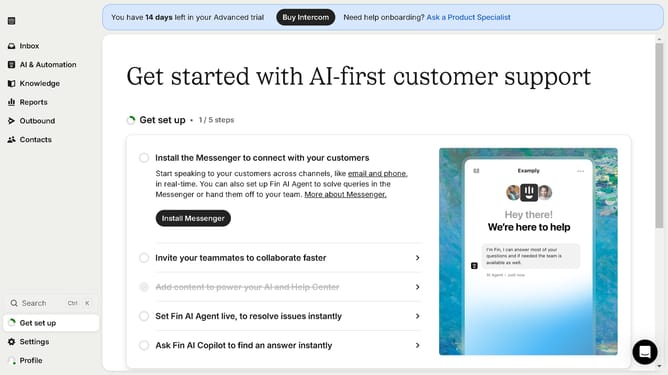
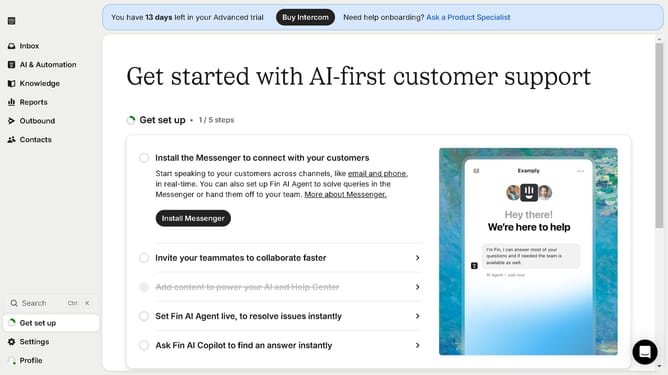
- First click on the "Contacts" option in the left sidebar menu
- Then click on the contact name in the contacts list
- Next click on the "More options" button in the contact details page
- Then select "Block" option from the dropdown menu
- Finally click the "Block" button in the confirmation dialog to block the user
Why should you block a contact in Intercom
Intercom is a versatile platform designed to enhance customer communication and engagement effortlessly.
A key feature of Intercom is its ability to block a contact, an essential tool for maintaining a focused and productive workspace.
Utilizing this feature helps manage communication by preventing unwanted interactions, ensuring that your team can concentrate on priority conversations.
Not only does this streamline workflow, but it also helps uphold a respectful and efficient user environment.
Last update