How to turn on email auto-replies in Intercom
Here is how to turn on email auto-replies in intercom
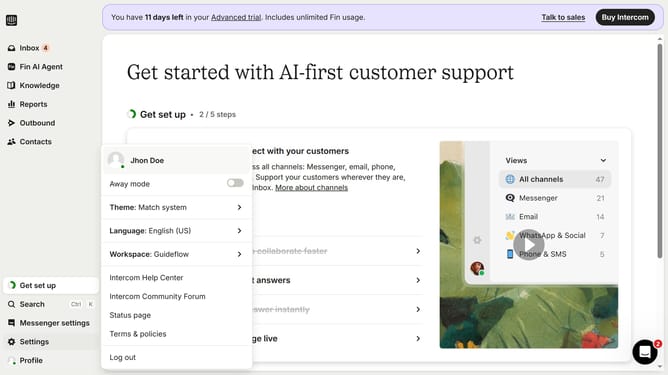
- First click on the "Settings" option in the left sidebar menu
- Then click on the "Channels" section in the settings menu
- Next click on the "Email" option under the Channels submenu
- Then click on the "Email settings" tab in the email configuration page
- Finally click on the "Enable auto replies" toggle switch in the Replies section
Why should you turn on email auto-replies in Intercom
Intercom is a dynamic platform designed to enhance customer communication and improve relationship management.
By enabling email auto-replies in Intercom, businesses can ensure that their customers receive immediate acknowledgment, fostering trust and satisfaction.
This feature is particularly beneficial as it helps maintain communication continuity, even outside business hours, thus enhancing customer experience and reducing response time.
Ultimately, these efficiencies lead to stronger customer relationships and increased operational productivity.
Last update