How to archive custom attributes on Intercom
Here is how to archive custom attributes on intercom
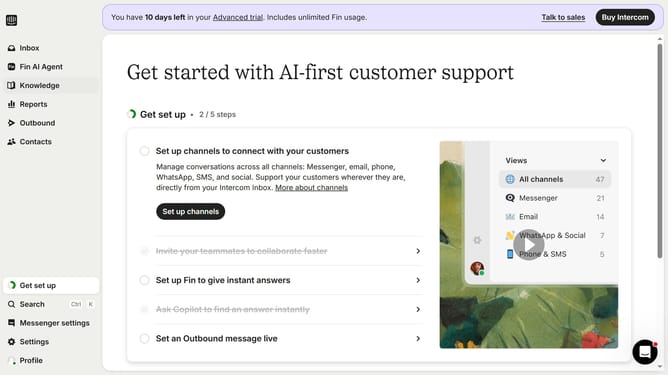
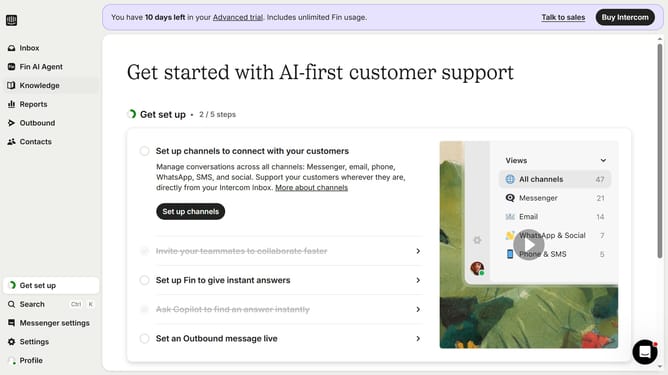
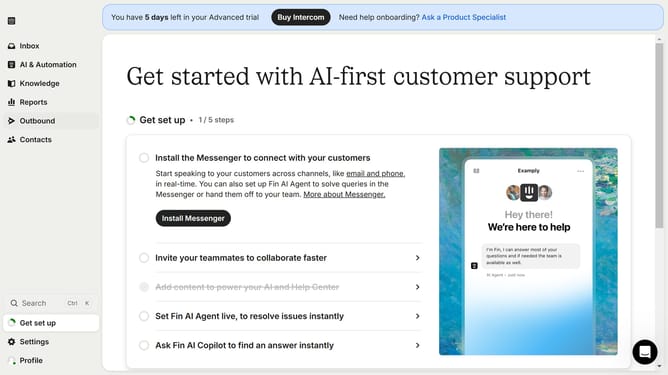
- First click on "Settings" item in the sidebar menu
- Then click on "Data" item in the sidebar menu
- Next click on "People" item in the sidebar menu
- Then scroll the page to the right
- Then click on the edit icon
- Then click on the "Archive" button in the pop-up window
- Finally click on the "Archive" button to confirm archiving the attribute
Why should you archive custom attributes on Intercom
Intercom is a powerful platform designed to enhance customer interaction through effective messaging and engagement tools.
Archiving custom attributes within Intercom is a crucial feature that streamlines data management. By archiving, users can keep their workspace uncluttered and focused on current needs. This process helps in maintaining relevant data, preventing information overload, and ensuring that the customer communication strategy remains effective and organized.
Moreover, archiving custom attributes aids in improving data accuracy by enabling teams to retain only the most critical information. This enhances the efficiency of customer support operations and decision-making processes, providing a clearer overview of active user interactions and behavioral insights.