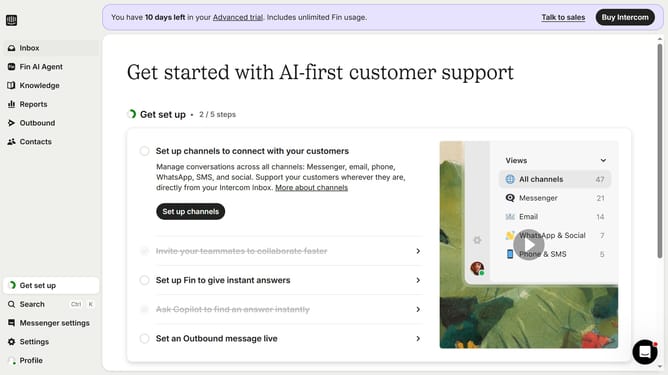
How to add end time to scheduled agent availability in articles on Intercom
Here is how to add end time to scheduled agent availability in articles on intercom
- First click on "Knowledge" in the left sidebar
- Then click on the article title in the content area
- Next click on the "Schedule availability" button
- Then click on the scheduled date
- After that, click on the toggle switch to set an end time
- Finally click on the "Schedule" button to confirm
Why should you add end time to scheduled agent availability in articles on Intercom
Intercom is a versatile customer communication platform designed to enhance user engagement and support.
Adding an end time to scheduled agent availability in Intercom articles optimizes resource management by ensuring precise scheduling.
This feature prevents overworked agents and improves response times by aligning availability with peak customer interaction hours.
Ultimately, it enhances overall customer satisfaction and operational efficiency by ensuring the right coverage at the right time.
Last update