How to add a rule action to a workflow in Intercom
Here is how to add a rule action to a workflow in intercom
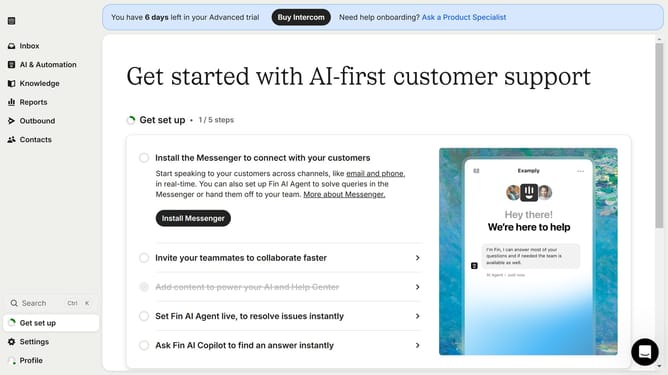
- First click on "AI & Automation" in the left sidebar menu
- Then click on "Workflows" in the left sidebar submenu
- Next click on workflow item in the workflows list
- Then click on "Add step" button in the workflow editor
- Click on the "Search" field in the top menu of the workflow editor
- Finally click on "Apply rules" action in the Add action dropdown menu
Why should you add a rule action to a workflow in Intercom
Intercom is a powerful tool designed to streamline customer communication and enhance user engagement.
With the ability to add a rule action to a workflow, Intercom users can optimize their automated processes effortlessly. This feature allows you to set specific conditions and outcomes, ensuring that your workflows are precise and effective.
By customizing rules within workflows, businesses can automate tasks, saving time and resources while maintaining a high level of personalization in customer interactions. This efficiency ultimately leads to better customer satisfaction and enhanced operational productivity.
Last update