How to create a "In progress" ticket state in Intercom
Here is how to create a "in progress" ticket state in intercom
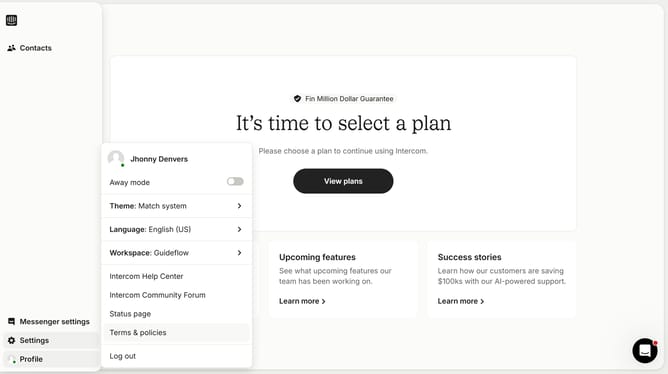
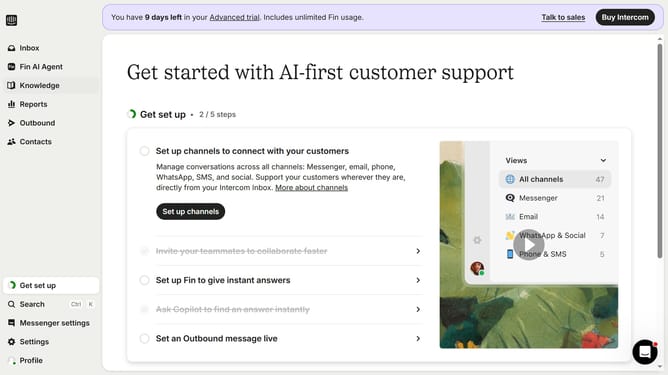
- First click on "Settings" in the left sidebar
- Then click on "Inbox" option in the settings menu
- Next click on "Tickets" item in the expanded inbox menu
- Click on "Ticket states" tab in the tickets settings
- Click on "Create ticket state" button in the top right corner
- Select "In progress" option from the dropdown menu
- Enter the name for your "In progress" ticket state in the designated field
- Finally click the "Save" button in the top right of the modal window
Why should you create a "In progress" ticket state in Intercom
Intercom is a versatile platform designed to enhance communication between businesses and their customers.
Creating an "In Progress" ticket state in Intercom adds a dynamic layer to your workflow by clearly showcasing tasks that are actively being addressed.
This feature helps teams streamline their processes, ensuring everyone is on the same page about current priorities and reducing the risk of tasks falling through the cracks.
By providing a clear view of ongoing work, teams can manage time efficiently, improving overall productivity and customer satisfaction.
Last update