How to integrate Zendesk with Intercom
Here is how to integrate zendesk with intercom
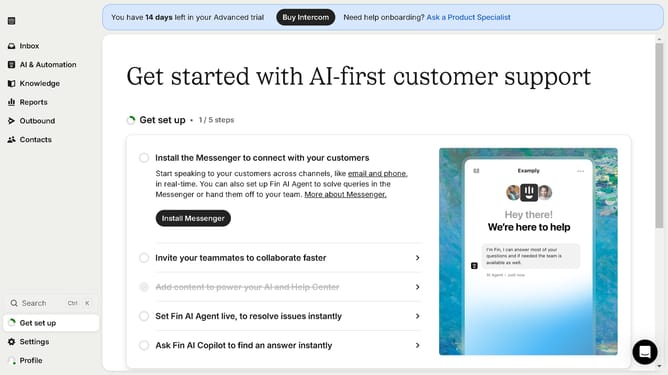
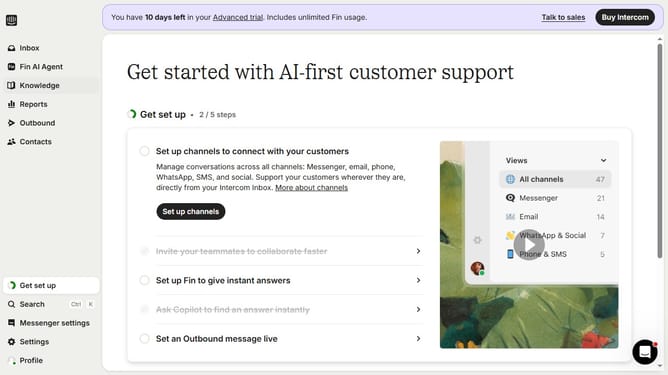
- First click on "Settings" in the left sidebar navigation
- Then click on "Integrations" item in the settings menu
- Next click on "App Store" option under Integrations section
- Click in the search box and type "Zendesk" in the top-right search field
- Click on "Apps containing 'Zendesk'" suggestion in the search dropdown
- Click on the "Zendesk Support" app card among the search results
- Click the "Install now" button in the app details modal
- Finally click the "Authorize access" button on the permissions screen
Why should you integrate Zendesk with Intercom
Intercom is a powerful platform designed to enhance communication between businesses and their customers.
Integrating Zendesk with Intercom seamlessly combines the powerful customer support capabilities of Zendesk with the dynamic communication tools of Intercom.
This integration ensures all customer interactions are managed efficiently, enhancing responsiveness and improving customer satisfaction.
Overall, by utilizing the strengths of both platforms, businesses can streamline their support processes, unify their communication channels, and provide exceptional service.
Last update