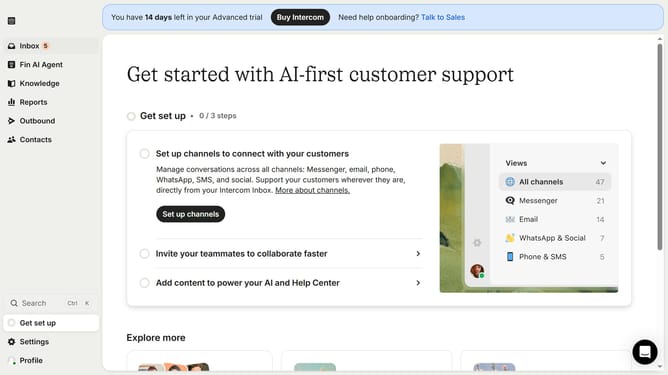
How to add content to a public article on Intercom
Here is how to add content to a public article on intercom
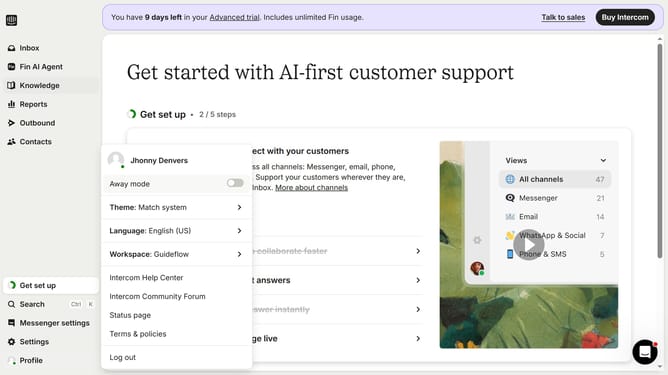
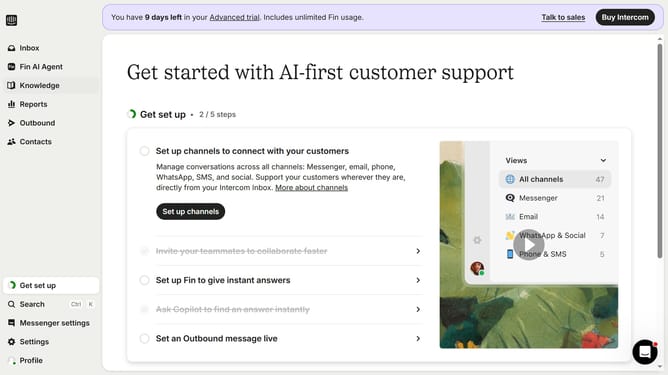
- First click on the "Knowledge" item in the left sidebar menu
- Then click on the item in the content table
- Next click on the "Edit" button in the top-right toolbar of the article view
- Finally click on the horizontal line button in the bottom toolbar of the article editor
Why should you add content to a public article on Intercom
Intercom is a versatile communication platform designed to enhance customer interaction and support.
Adding content to a public article on Intercom is a powerful way to provide valuable information and updates to your audience. By ensuring your articles are regularly updated, you maintain a current and relevant resource for your customers.
Utilizing this feature helps engage users, reduces support ticket volumes, and strengthens trust in your brand. It’s an efficient way to keep your content public and accessible, fostering an informed and satisfied customer base.
Last update