Intercom
Intercom is a customer messaging platform that enables businesses to provide live chat, automation, and support.
Website
Industry
Support
Share this article:

How to attach file in internal article on Intercom

Here is how to attach file in internal article on intercom

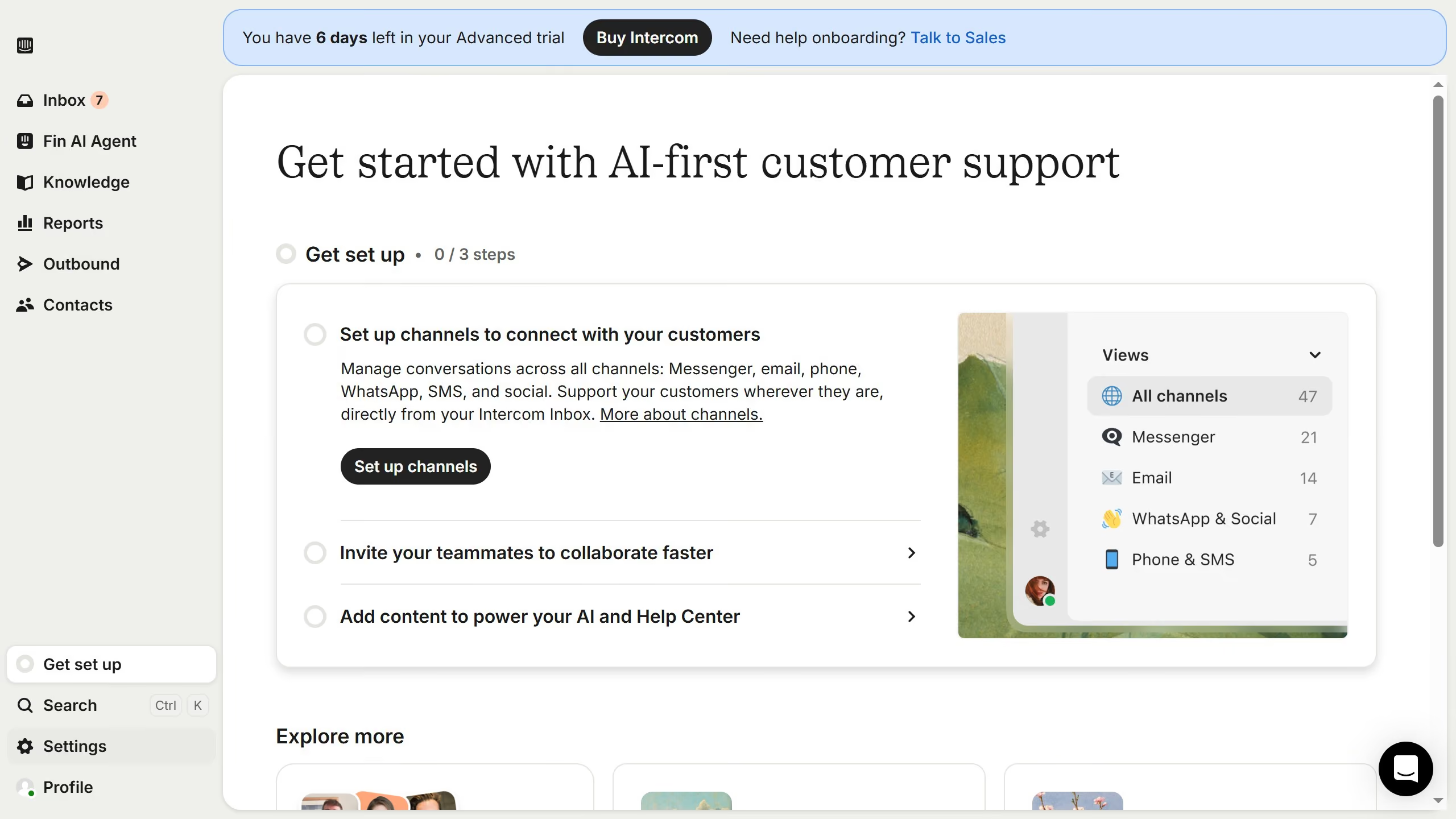
  1. First click on "Knowledge" item in the left sidebar
  2. Then click on "Articles" item in the left sidebar
  3. Then click on article link in the main content area
  4. Then click on the edit icon to edit the article
  5. Then click on the article text section
  6. Then click on the attachment icon in the toolbar
  7. Finally click on the "Save" button

Create your own interactive guide with Guideflow

Why should you attach file in internal article on Intercom

Intercom is a powerful customer communication platform designed to enhance interaction and support.

Attaching files to internal articles in Intercom ensures that all necessary information is easily accessible to your team. This feature streamlines internal communication, fostering greater efficiency and collaboration.

Using this file attachment capability offers the benefit of centralizing knowledge. Team members can quickly access and reference important documents, reducing the need for lengthy email chains and enhancing productivity.

Last update
June 12, 2026
Cursor MariaA cursor points to a button labeled "James."

Create your first demo in less than 30 seconds.