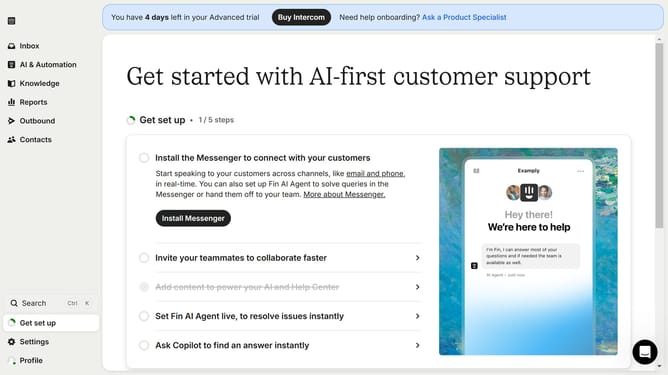
How to create a product tour message in Intercom
Here is how to create a product tour message in intercom
- First click on the "Outbound" option in the left sidebar navigation menu
- Then click on the "New message" button located in the top-right corner of the Messages page
- Finally click on the "Product Tour" template option in the template selection modal window
Why should you create a product tour message in Intercom
Intercom is a versatile communication platform designed to enhance customer interaction and support.
Creating a product tour message in Intercom helps guide users through your product seamlessly.
This feature allows you to offer step-by-step assistance, ensuring users understand the functionality and benefits of your product right from the start.
Utilizing product tours can significantly improve user satisfaction and engagement by providing immediate clarity and enriching their overall experience.
Last update