How to set authentication methods in Intercom
Here is how to set authentication methods in intercom
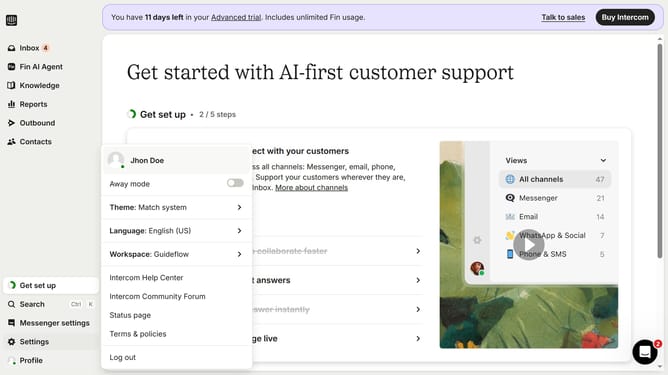
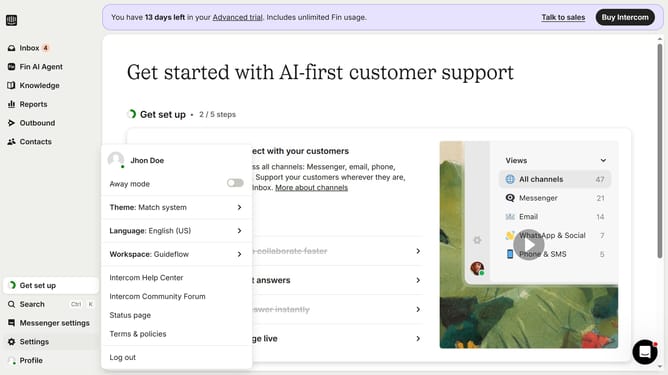
- First click on the "Settings" option in the left sidebar menu
- Then click on the "Workspace" section in the settings menu
- Next click on the "Security" option under the Workspace submenu
- Then select your preferred authentication method from the options below
- Finally click on the "Save" button at the bottom of the security settings form
Why should you set authentication methods in Intercom
Intercom is a versatile platform designed to enhance customer communication and support experiences.
Setting authentication methods in Intercom is crucial for maintaining secure user interactions and protecting sensitive data.
By enabling various authentication methods, businesses can ensure that only authorized personnel access customer information, thus fostering trust.
This not only enhances security but also streamlines user access, providing a seamless and efficient experience for both customers and support teams.
Last update