How to add a lead in Intercom
Here is how to add a lead in intercom
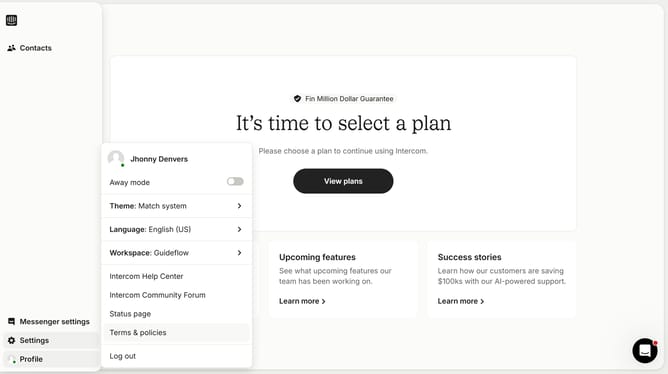
- First click on the "Contacts" item in the left sidebar menu
- Then click on the "New users or leads" dropdown button in the top right corner
- Next click on "Create new lead" option from the dropdown menu
- Enter the required details in the open field of the Create new user dialog
- Finally click on the "Create a lead" button at the bottom of the dialog
Why should you add a lead in Intercom
Intercom is a versatile platform designed to enhance customer interaction and communication.
Adding a lead in Intercom is a seamless feature that empowers businesses to streamline their lead management process. This feature allows you to efficiently input potential customer information into the system, keeping your database organized and accessible.
By utilizing this feature, businesses can build a structured pipeline, ensuring that no potential opportunity is missed. It supports effective tracking and nurturing of leads, ultimately leading to increased conversion rates and improved customer relationships.
Last update