How to create a post in Intercom
Here is how to create a post in intercom
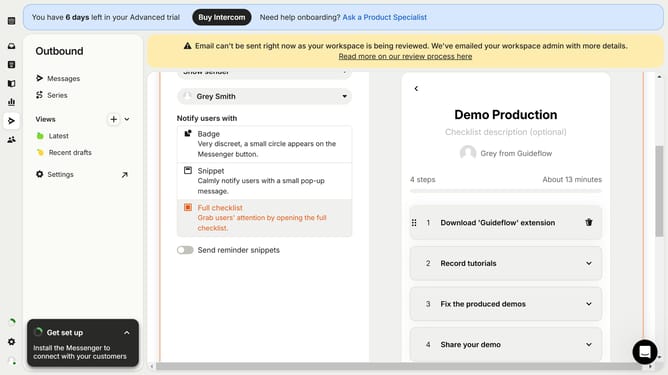
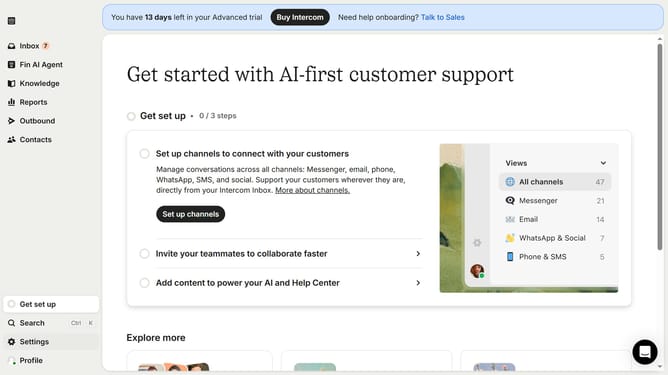
- First click on the "Outbound" option in the left sidebar navigation menu
- Then click on the "New message" button located in the top-right corner of the Messages page
- Finally click on the "Post" template option in the template selection modal window
Why should you create a post in Intercom
Intercom is a versatile communication platform designed to enhance customer engagement.
Creating a post in Intercom allows you to effectively reach your audience with targeted messages. This feature helps you communicate updates, share offers, and build a strong connection with your users.
By using this functionality, businesses can foster stronger relationships, increasing customer satisfaction and retention. It's an excellent way to keep your audience informed and engaged seamlessly.
Last update