How to enable converting inbound emails to tickets in Intercom
Here is how to enable converting inbound emails to tickets in intercom
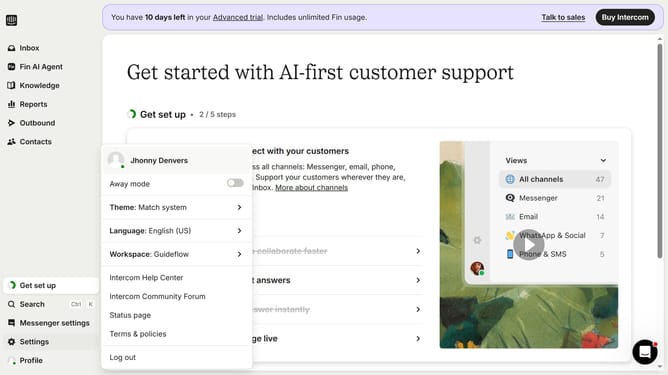
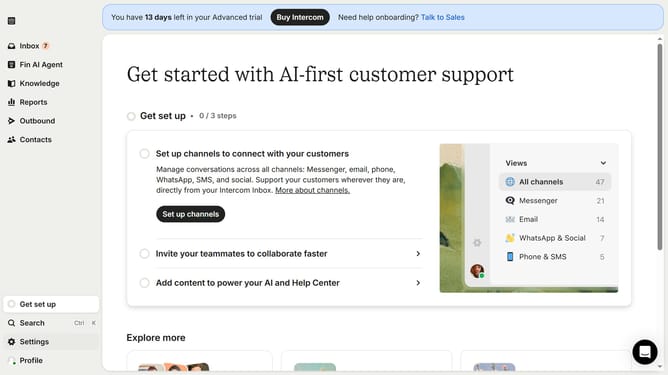
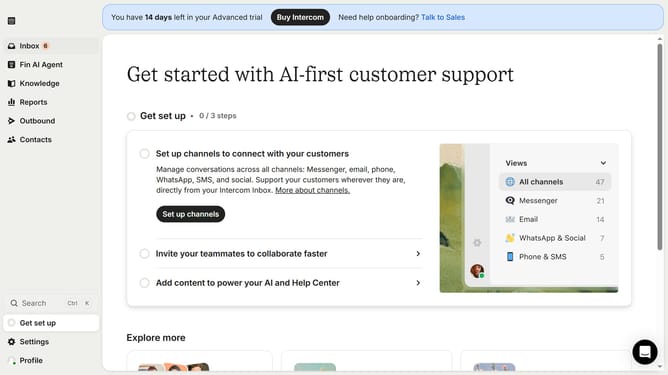
- First click on "Settings" button in the left sidebar
- Then click on "Channels" item in the left sidebar
- Next click on "Email" item in the left sidebar
- Then click on "Email settings" tab
- Finally click on the toggle button to "Convert inbound emails to tickets" to enable it
Why should you enable converting inbound emails to tickets in Intercom
Intercom is a powerful tool designed to enhance customer communication and support.
The feature of converting inbound emails to tickets streamlines customer inquiries into manageable tasks.
This process enhances team efficiency by automatically categorizing and prioritizing requests, resulting in quicker response times.
Using this feature ensures no customer message is overlooked, boosting satisfaction and maintaining seamless interactions.
Last update