How to add to trusted senders in Intercom
Here is how to add to trusted senders in intercom
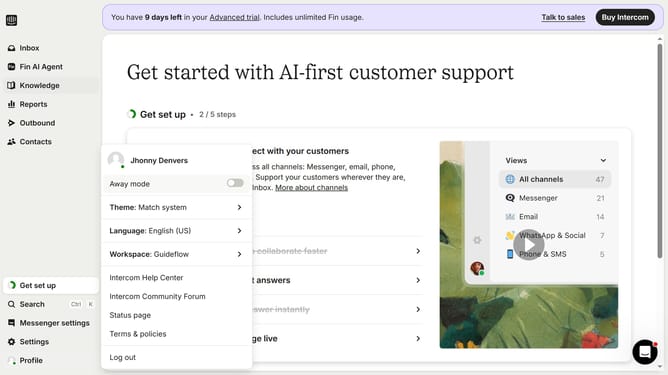
- First click on "Settings" in the left sidebar
- Then click on "Channels" in the left sidebar
- Next, click on "Email" under Channels
- Then click on "Email settings" in the main content area
- After that, click on "Configure trusted senders" in the main content area
- Next, click on "Add email address" button
- Then enter your trusted senders email address into the email address field
- Finally click on the "Save" button
Why should you add to trusted senders in Intercom
Intercom is a robust customer communication platform designed to seamlessly connect businesses with their customers.
The "add to trusted senders" feature in Intercom helps ensure that important emails make it to the inbox and not the spam folder.
By designating trusted senders, businesses can enhance communication reliability, fostering better customer relationships.
This feature not only improves email deliverability but also builds trust and efficiency in every interaction.
Last update