How to create a mobile carousel message in Intercom
Here is how to create a mobile carousel message in intercom
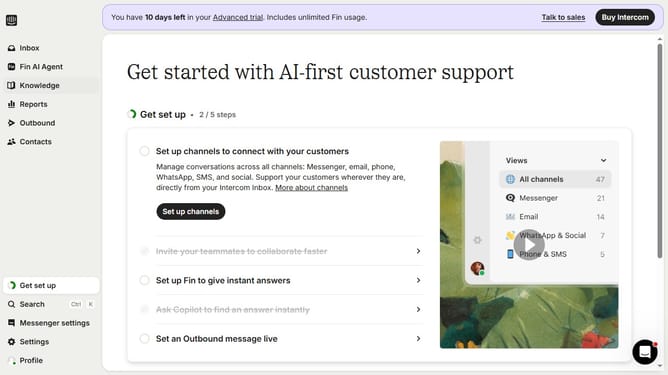
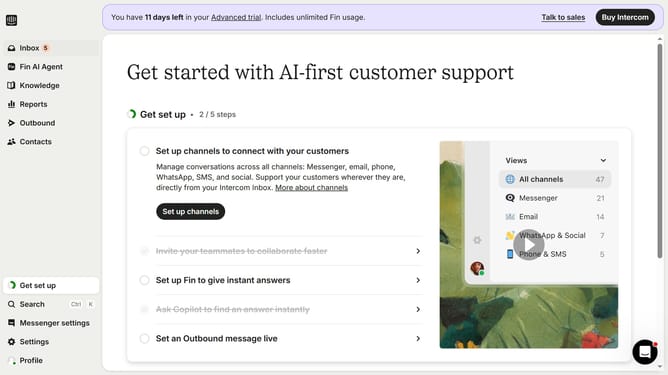
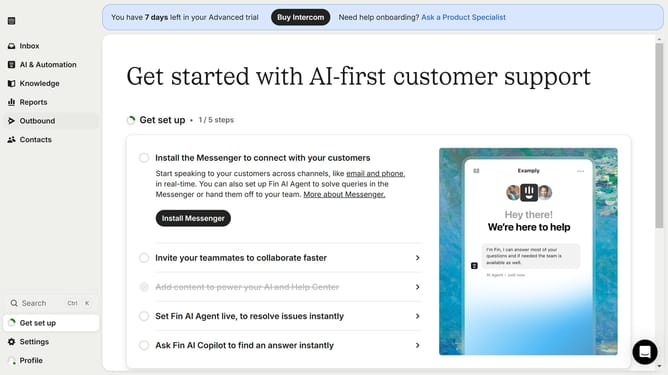
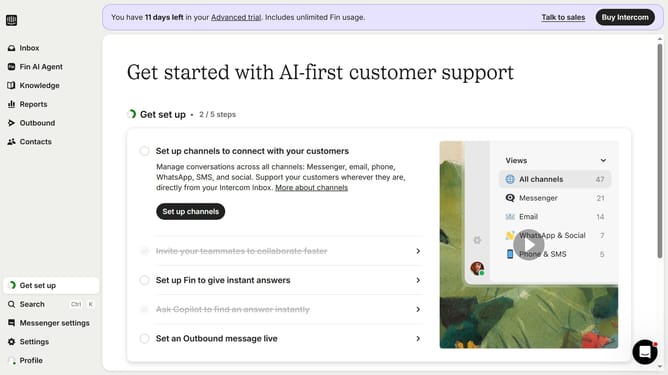
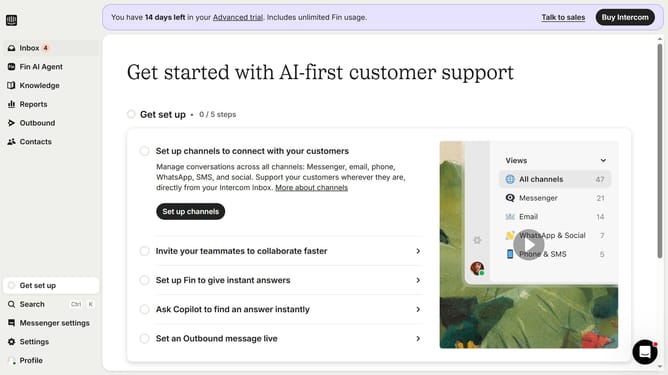
- First click on the "Outbound" option in the left sidebar navigation menu
- Then click on the "New message" button located in the top-right corner of the Messages page
- Finally click on the "Mobile Carousel" template option in the template selection modal window
Why should you create a mobile carousel message in Intercom
Intercom is an innovative platform designed to build customer relationships through personalized communication.
Creating a mobile carousel message in Intercom allows users to engage audiences with interactive, swipeable content. This feature is perfect for showcasing multiple products, highlighting new updates, or sharing a series of tips in an engaging way.
By utilizing mobile carousel messages, businesses can present information quickly and visually appealing, ensuring that the key messages are communicated effectively while maintaining user interest.
Last update