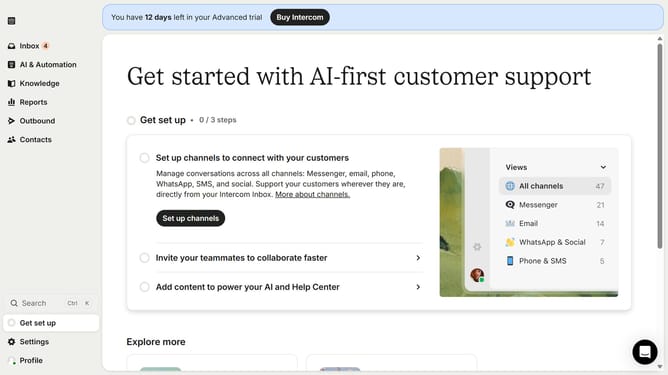
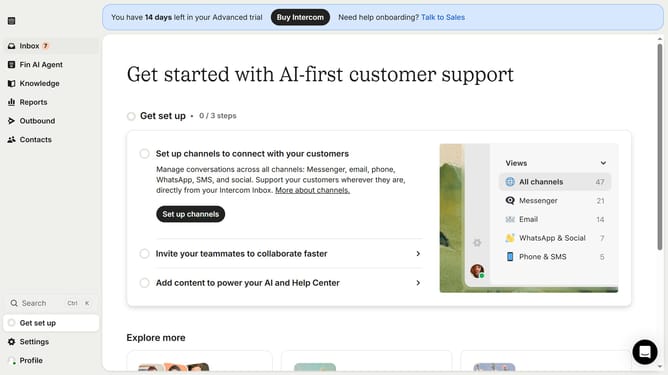
How to rename a team inbox on Intercom
Here is how to rename a team inbox on intercom
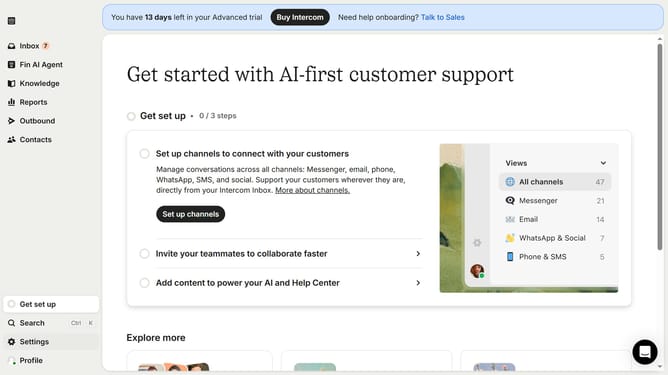
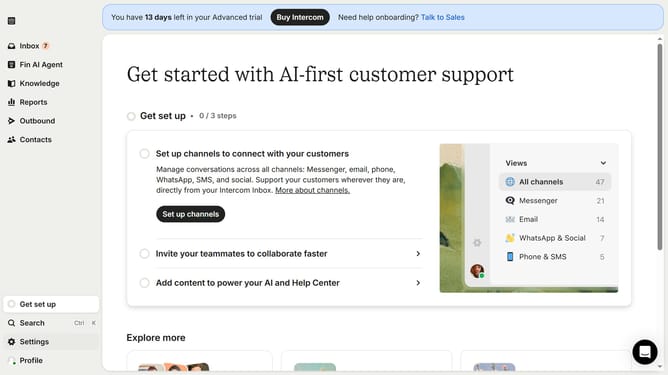
- First click on the "Settings" item in the left sidebar
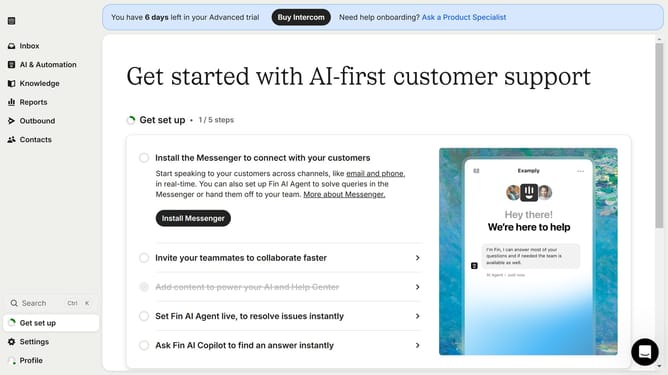
- Then click on the "Inbox" item in the left sidebar
- Next, select "Team inboxes" from the expanded "Inbox" section
- Click on the team box in the main content area
- After that, click on the title and edit it
- Finally, click on the "Save" button
Why should you rename a team inbox on Intercom
Intercom is a leading platform designed to enhance customer communication and support.
Renaming a team inbox on Intercom is a simple feature that offers impactful organizational benefits. It allows teams to categorize and personalize their communication streams effectively, aligning with specific project needs or team functions.
By renaming inboxes, teams can enjoy improved clarity and efficiency, ensuring that messages land in the correct domain, minimizing confusion, and optimizing workflow productivity.
This feature reflects Intercom's commitment to providing tools that offer flexibility and ease for dynamic teams.
Last update