How to set a stop date for sending a survey in Intercom
Here is how to set a stop date for sending a survey in intercom
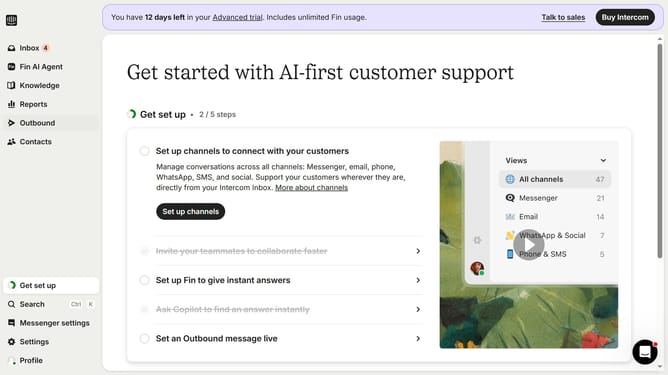
- First click on "Outbound" in the left sidebar menu
- Then click on "New message" button in the top right corner
- Next click on "Survey" template from the available options
- Then click on "Frequency and scheduling" dropdown menu
- Next click on "Custom date" radio button in the stop sending section
- Finally select the stop date and time in the custom date picker
Why should you set a stop date for sending a survey in Intercom
Intercom is a versatile communication platform designed to enhance user engagement and streamline customer interactions.
Setting a stop date for sending a survey in Intercom ensures your feedback process remains timely and relevant. By defining an endpoint, you can avoid overloading users with repetitive requests, improving their experience and the quality of insights received.
This feature is particularly beneficial in campaign-specific feedback collection, allowing you to align survey distribution with marketing efforts. Overall, it promotes efficient survey management by defining clear time boundaries.
Last update