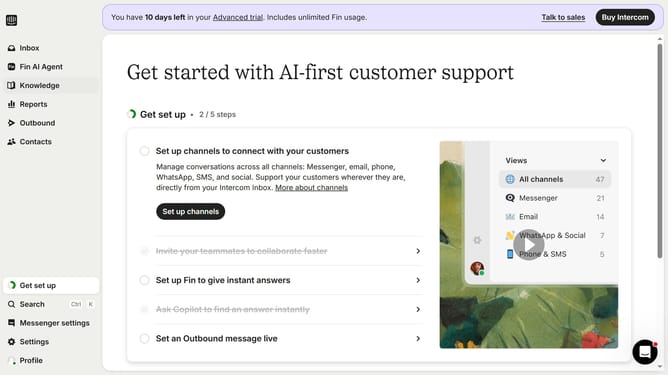
How to mark a task as completed in Intercom
Here is how to mark a task as completed in intercom
- First click on the "Open launcher" button in the messenger window on the bottom-right corner
- Next click on the "Tasks" button in the messenger's bottom navigation bar
- In the Tasks panel click on the task item that to further open the details of the taskk
- After that click on the "Mark as completed" button beneath the step
Why should you mark a task as completed in Intercom
Intercom is a powerful platform designed to enhance customer communication and engagement.
Marking a task as completed in Intercom is incredibly straightforward, streamlining workflow management. This feature enables teams to efficiently track progress, ensuring tasks are acknowledged and closed promptly.
Utilizing this feature fosters transparency and accountability, which are critical for fostering an efficient and productive workplace.
The ability to easily mark tasks as done minimizes potential bottlenecks, allowing teams to move seamlessly from one project to the next.
Last update