How to restore an "In Progress" ticket state in Intercom
Here is how to restore an "in progress" ticket state in intercom
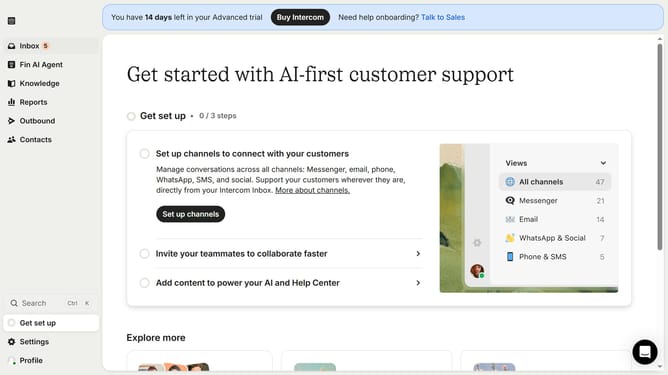
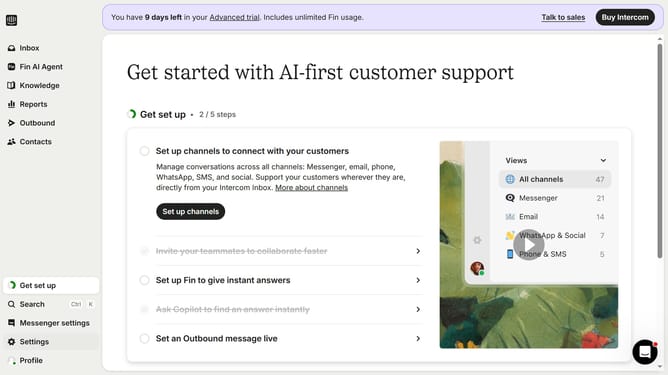
- First click on "Settings" in the left sidebar menu
- Then click on "Inbox" in the settings menu
- Next click on "Tickets" under the Inbox section
- Click on the "Ticket states" tab in the Tickets settings
- Click on the "Live" dropdown menu
- Select "Archived" from the dropdown options
- Finally click on the "Restore" button next to the state
Why should you restore an "In Progress" ticket state in Intercom
Intercom is a powerful tool designed to streamline customer communication and enhance business-client interactions.
A key feature of Intercom is the ability to restore an "In Progress" ticket state, ensuring that customer inquiries are managed efficiently and without interruption.
This feature is beneficial as it offers reliability in ticket management, enabling teams to quickly resume work on inquiries that may have been paused or accidentally changed, thus maintaining seamless communication and reducing response times.
Last update