Intercom
Intercom is a customer messaging platform that enables businesses to provide live chat, automation, and support.
Website
Industry
Support
Share this article:

How to enable mobile notifications for mentions of you in a conversation in Intercom

Here is how to enable mobile notifications for mentions of you in a conversation in intercom

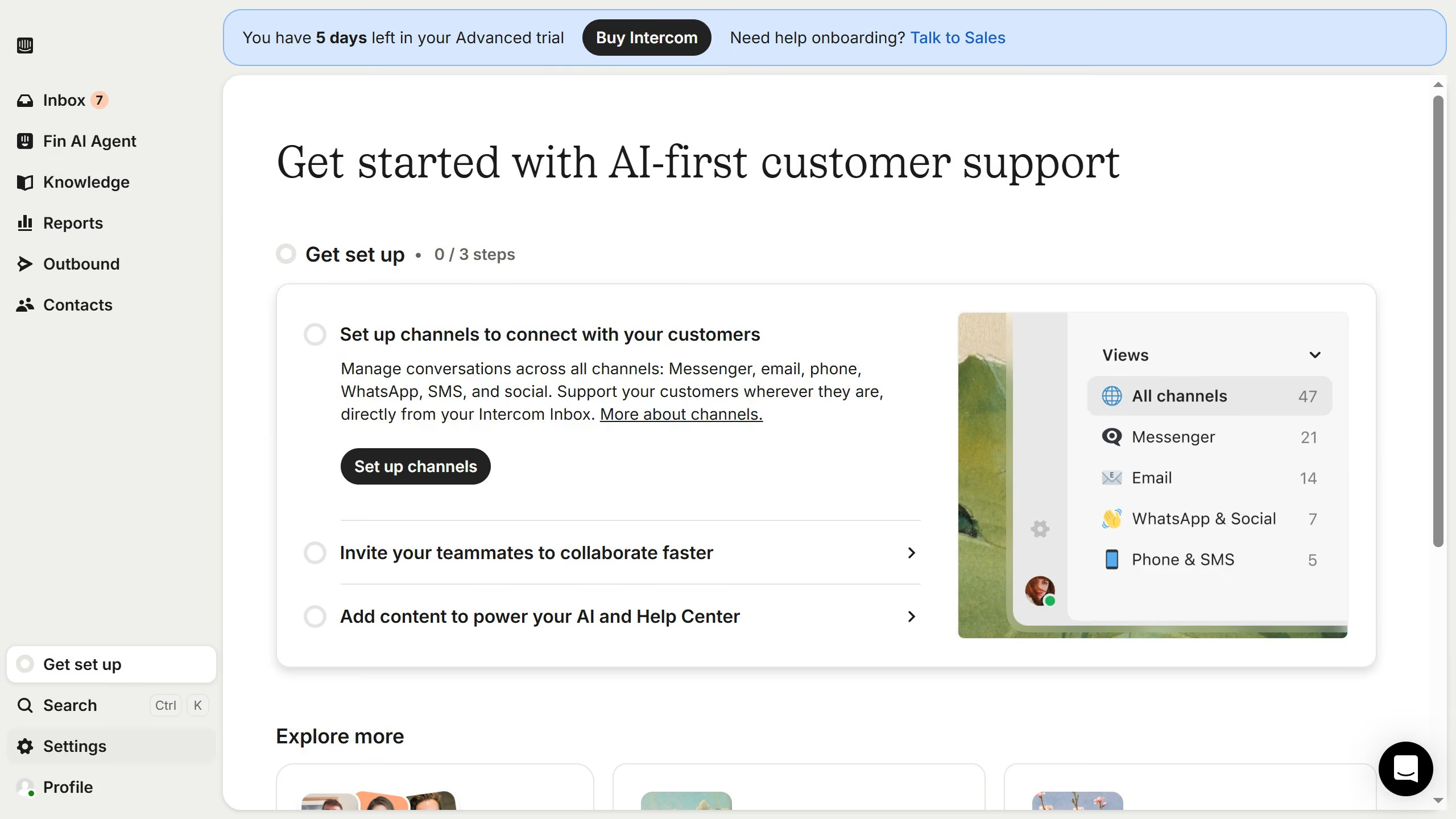
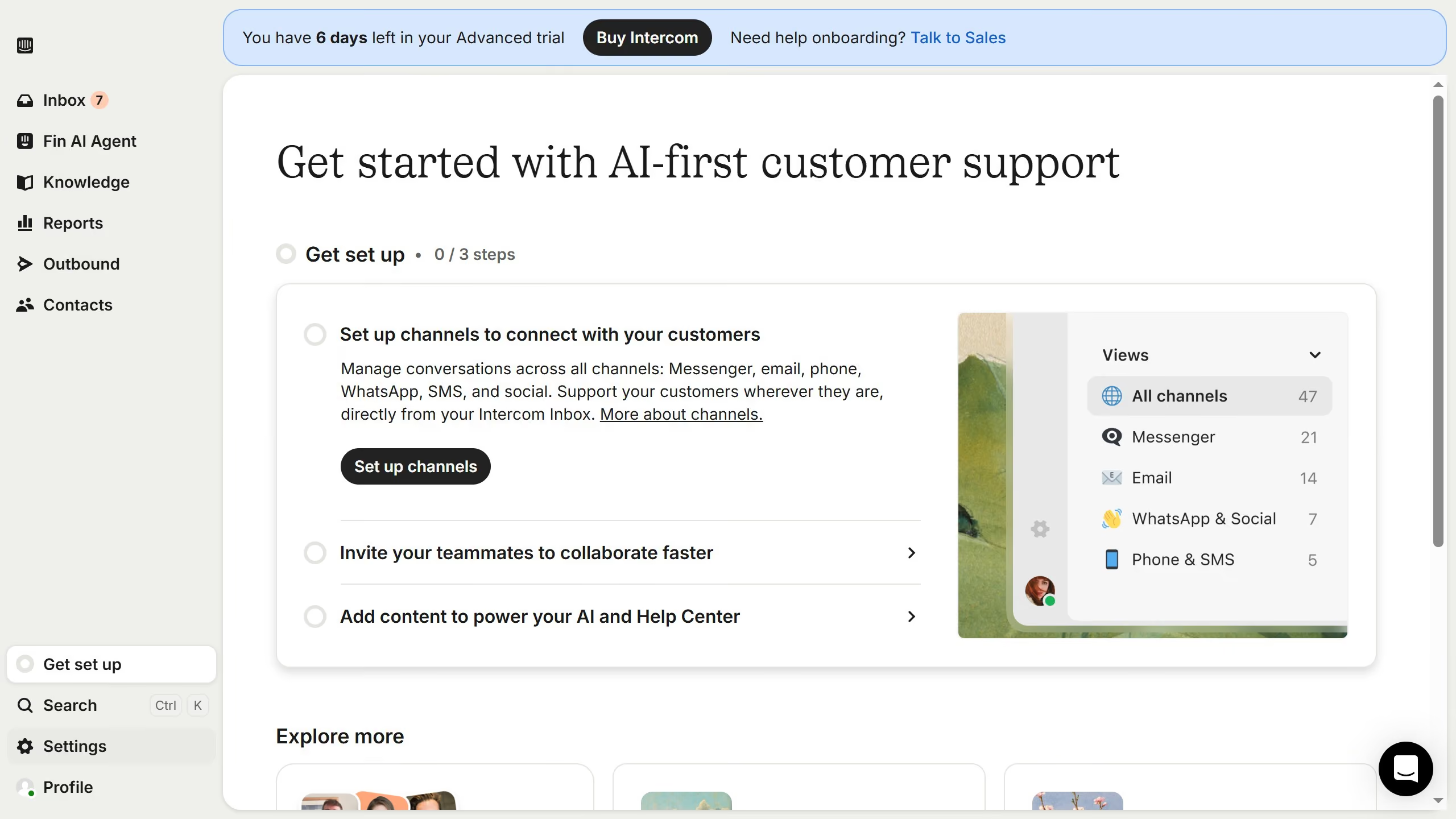
  1. First click on "Settings" item in the left sidebar
  2. Then click on "Personal" item in the left sidebar
  3. Next click on "Notifications" item in the left sidebar
  4. Then click on the "Mobile" checkbox
  5. Finally click on the "Save" button in the top header

Create your own interactive guide with Guideflow

Why should you enable mobile notifications for mentions of you in a conversation in Intercom

Intercom is a versatile communication tool designed to bridge the gap between businesses and their customers through seamless interactions.

Activating mobile notifications for mentions in Intercom ensures you're promptly alerted whenever someone mentions you in a conversation. This feature helps you stay informed and respond swiftly, maintaining the flow of communication without any delays.

By enabling these notifications, you enhance your engagement levels and demonstrate attentiveness, significantly improving the overall customer experience.

Last update
June 12, 2026
Cursor MariaA cursor points to a button labeled "James."

Create your first demo in less than 30 seconds.