How to create a tracker ticket in Intercom
Here is how to create a tracker ticket in intercom
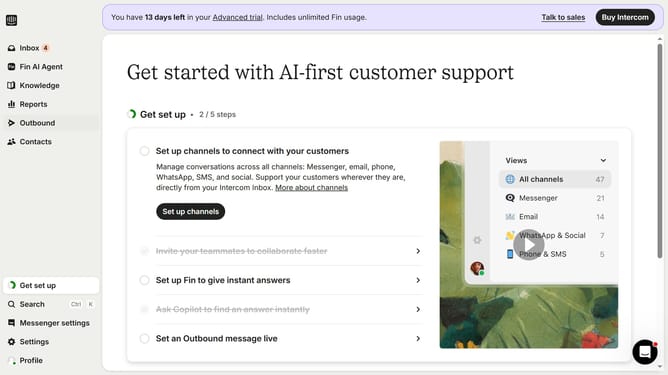
- First click on the "Inbox" option in the left sidebar menu
- Then click the "+" button in the top menu bar
- Next click on "Ticket" in the dropdown menu
- Then select "Test tracker" from the ticket type options
- Click the "Add title..." field and enter the ticket title
- Finally click the "Create ticket" button to complete the process
Why should you create a tracker ticket in Intercom
Intercom is a powerful platform designed to enhance customer communication and support.
Creating a tracker ticket in Intercom allows for seamless issue tracking and management. This feature is vital for ensuring that customer concerns are addressed efficiently, boosting satisfaction.
By using tracker tickets, teams can maintain organized workflows, prioritize tasks effectively, and improve response times. This results in a more streamlined customer service experience, fostering trust and loyalty.
Last update