How to redact PANs in Intercom conversations
Here is how to redact pans in intercom conversations
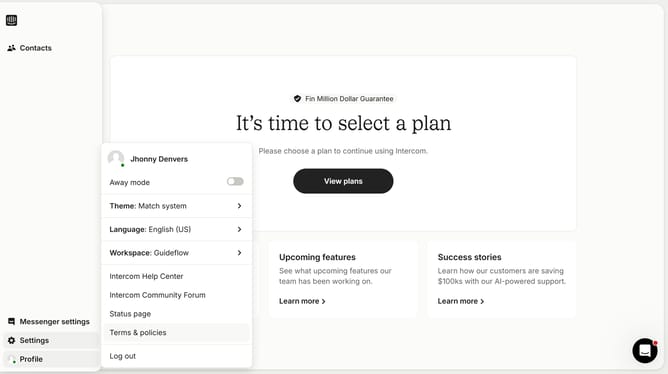
- First click on the "Settings" option in the left sidebar menu
- Then click on the "Workspace" item in the settings menu
- Next click on the "Security" option under the Workspace section
- Then click on the "Data Security Settings" item from the security options
- Finally click on the checkbox for PAN under the Conversations section
Why should you redact PANs in Intercom conversations
Intercom is a versatile platform designed to enhance communication and relationships with customers.
In Intercom, redacting PANs (Primary Account Numbers) ensures sensitive financial information is protected during interactions.
This feature helps maintain customer trust by enhancing data privacy and reducing the risk of data breaches.
By utilizing this capability, businesses not only comply with stringent data protection regulations but also enhance their reputation as secure and customer-centric brands.
Last update