How to delete internal articles on Intercom
Here is how to delete internal articles on intercom
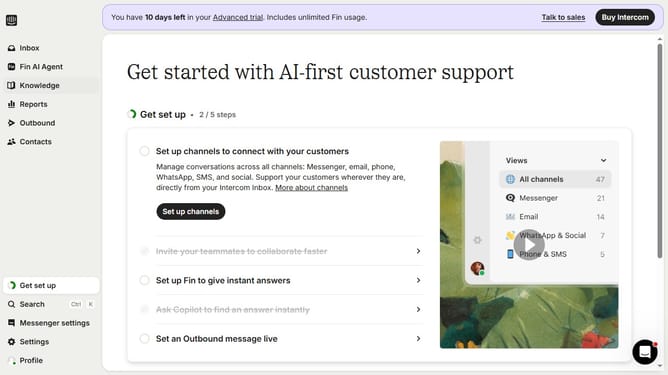
- First click on "Knowledge" item in the sidebar menu
- Then click on the checkbox next to the article that you want to delete
- Next, click on the "More actions" button
- Next, click on the "Delete" button
- Finally, click deletion confirmation to complete changes
Why should you delete internal articles on Intercom
Intercom is a powerful tool for fostering communication between businesses and their customers, enhancing engagement and support.
Being able to delete internal articles on Intercom is an essential feature that keeps your team's knowledge base clean and relevant. It ensures that outdated or unnecessary information does not clutter your workspace.
This feature promotes efficiency by streamlining content management, making sure that only the most pertinent articles are easily accessible. This not only maintains a neat digital environment but also empowers teams to focus on the most valuable insights.
Last update