How to edit custom inbox name views on Intercom
Here is how to edit custom inbox name views on intercom
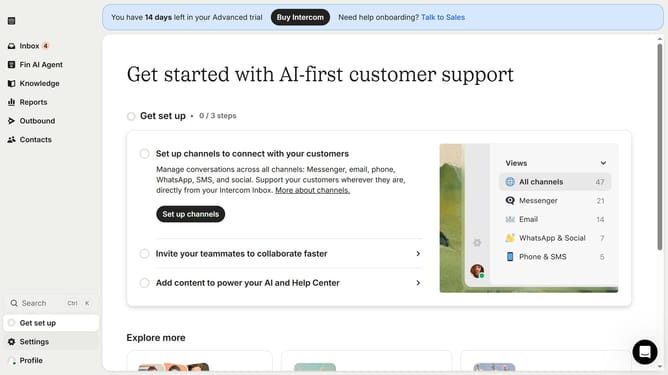
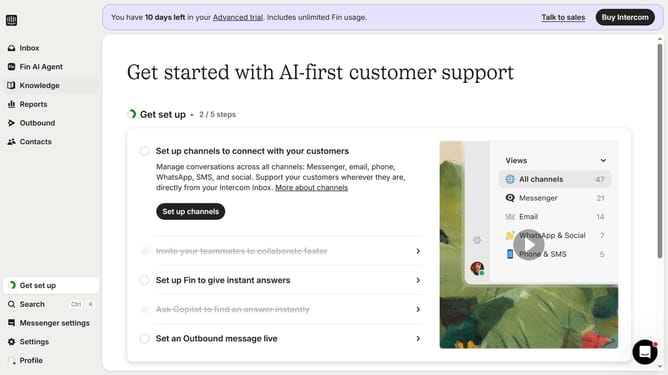
- First click on "Inbox" in the sidebar
- Then click on the view name that you want to manage in the sidebar
- Next click on the "Edit" icon
- Finally click on the "Save" button
Why should you edit custom inbox name views on Intercom
Intercom is a powerful platform designed to enhance customer communication and support.
Editing custom inbox name views on Intercom significantly improves your team's workflow by organizing your communication channels effectively.
This feature allows users to customize how they view conversation streams, aiding in quick identification and efficient management of multiple chat topics.
By tailoring the inbox names, teams can streamline processes, reduce response time, and enhance customer interaction quality.
Last update