How to remove tag on internal articles on Intercom
Here is how to remove tag on internal articles on intercom
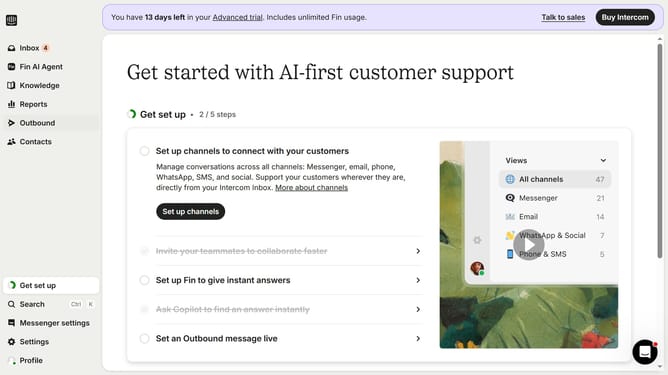
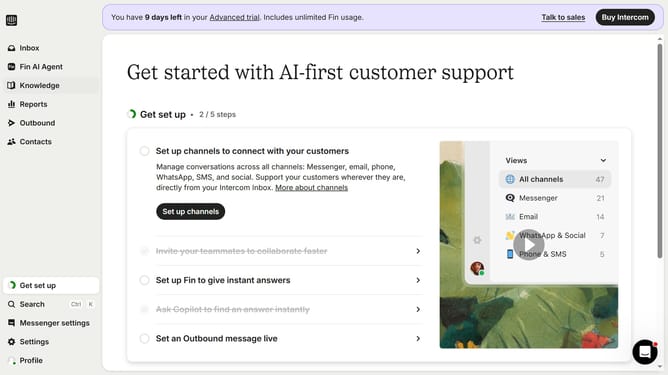
- First, click on "Knowledge" in the left sidebar
- Then, click on "Articles" in the left sidebar
- Next, click on the article title to open it
- Finally, click on the "X" button next to the tag you want to remove
Why should you remove tag on internal articles on Intercom
Intercom is a powerful platform designed to enhance customer communication and streamline business interactions.
Removing tags from internal articles on Intercom allows teams to maintain a clean and organized database, ensuring easy access to relevant content. This feature helps declutter your internal documentation, making essential information more accessible to team members who need it.
Employing this feature fosters efficiency, as team members spend less time searching for resources, leading to improved productivity and a smoother workflow.
Last update