How to create team inboxes on Intercom
Here is how to create team inboxes on intercom
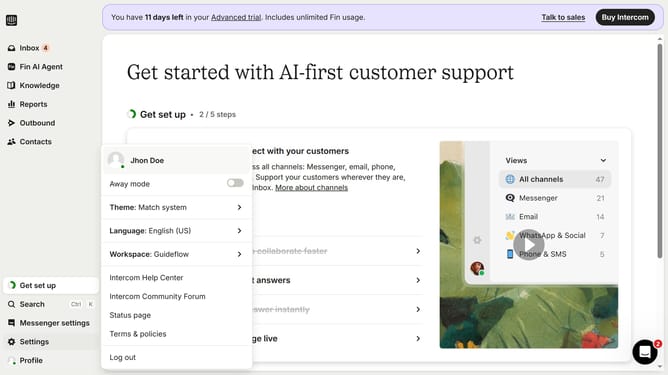
- First click on "Settings" in the left sidebar
- Then click on "Inbox" in the left sidebar
- Next click on "Team inboxes" in the left sidebar
- Then click on "+ New team inbox" button in the right panel
- After that click on the "Untitled Team inbox" text field and enter your title
- Then click on the "Add teammates" text input option
- Next click on a teammate from the option dropdown
- Finally click on the "Create Team inbox" button
Why should you create team inboxes on Intercom
Intercom is a powerful tool designed to enhance customer communication and engagement.
Creating team inboxes on Intercom streamlines customer support by allowing teams to manage communications effectively within a shared space.
It organizes queries and distributes workloads seamlessly, ensuring no customer is left unattended.
This feature fosters collaboration, quick resolution, and improves overall team efficiency, enhancing customer satisfaction and business reputation.
Last update