How to enable email autoreply in Intercom
Here is how to enable email autoreply in intercom
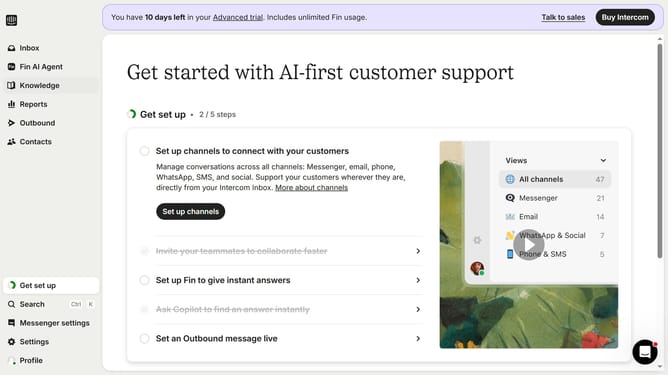
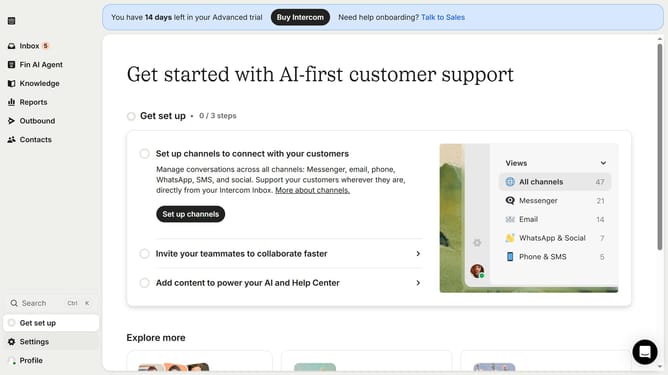
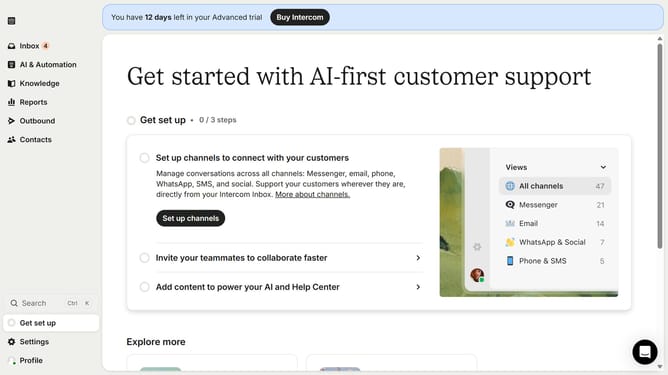
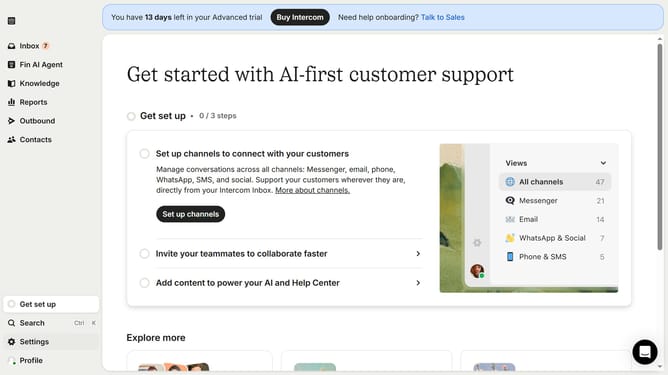
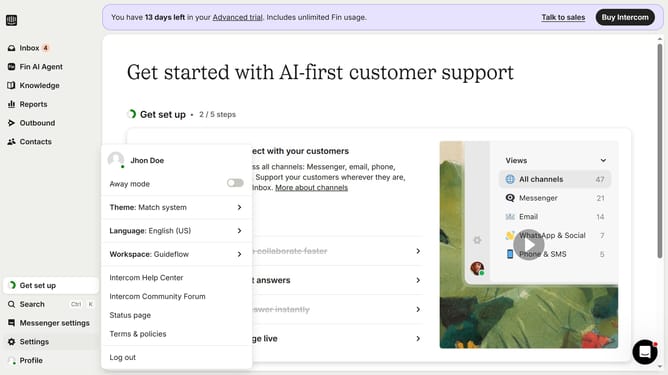
- First click on the settings icon in the bottom left sidebar
- Then click on "Channels" in the left sidebar
- Next, select "Email" from the expanded "Channels" list
- Then click on the "Email settings" tab
- Finally, click on the toggle to enable "auto replies"
Why should you enable email autoreply in Intercom
Intercom is a powerful platform designed to streamline customer communication and support.
Enabling email autoreply in Intercom ensures that your customers receive immediate acknowledgment when they reach out, enhancing their experience and satisfaction.
By utilizing this feature, businesses can maintain seamless communication, even when team members are unavailable.
This aids in managing customer expectations and improves overall service efficiency.
Last update