How to insert image in an internal article on Intercom
Here is how to insert image in an internal article on intercom
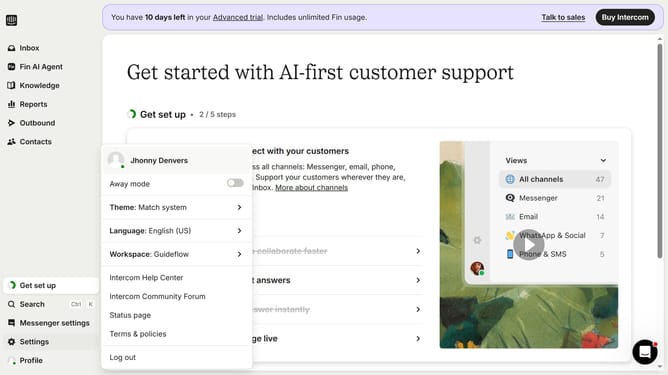
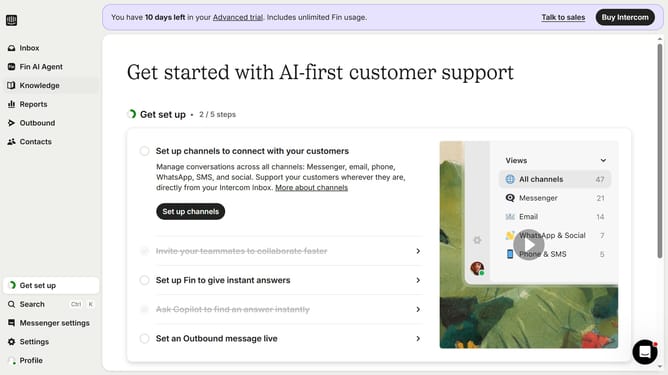
- First click on "Knowledge" item in the left sidebar
- Then click on "Articles" item in the left sidebar
- Then click on the article in the main content area
- Then click on the "Edit" button represented by a pencil icon
- Then click on the "Insert image" button and select your image
- Finally click on the "Save" button
Why should you insert image in an internal article on Intercom
Intercom is a sophisticated platform designed to enhance customer communications seamlessly.
Inserting images into internal articles on Intercom is a valuable feature that elevates the clarity and engagement of your content.
Visuals can break down complex information, making it more digestible while adding an appealing aesthetic.
By incorporating images, your articles will not only look more professional but also capture and retain the audience's attention effectively.
Last update