How to create a "Resolved" ticket state in Intercom
Here is how to create a "resolved" ticket state in intercom
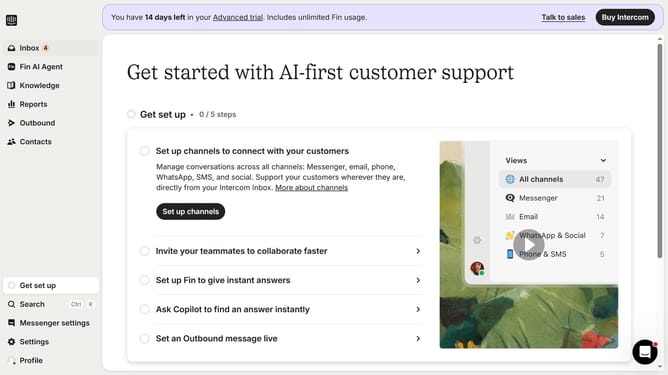
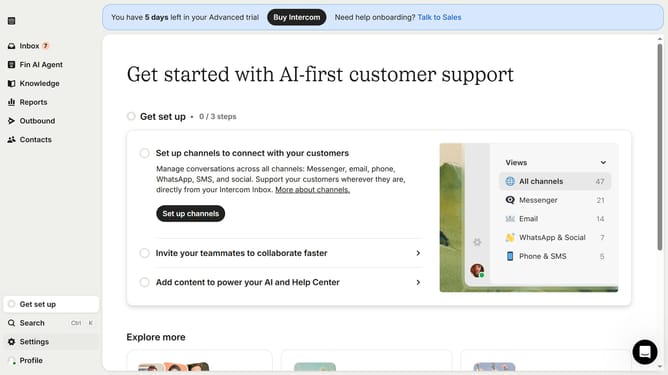
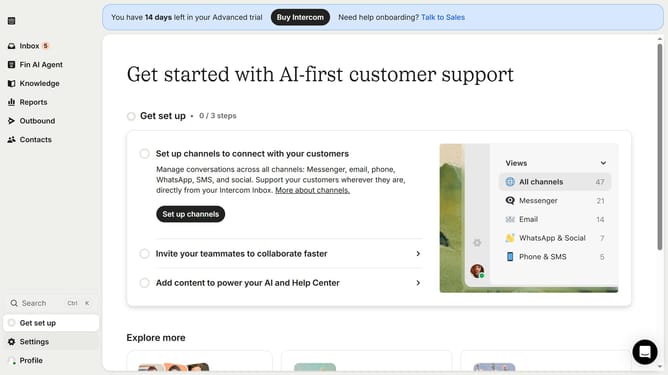
- First click on "Settings" in the left sidebar
- Then click on "Inbox" in the settings menu
- Next click on "Tickets" under the Inbox section
- Click on "Ticket states" tab in the tickets section
- Click "Create ticket state" button in the top right corner
- Select "Resolved" from the ticket state dropdown menu
- Enter the name for your ticket state in the designated field
- Finally click "Save" button to create the resolved ticket state
Why should you create a "Resolved" ticket state in Intercom
Intercom is a robust platform designed to enhance customer communication and streamline support.
Creating a "Resolved" ticket state in Intercom involves defining a point at which customer issues are marked as completed, ensuring a structured workflow in support management.
This feature is beneficial as it enables teams to efficiently track issue resolution progress, giving clear insights into the status of customer queries.
Ultimately, it enhances customer satisfaction by providing timely solutions while also refining internal processes, leading to improved team productivity.
Last update