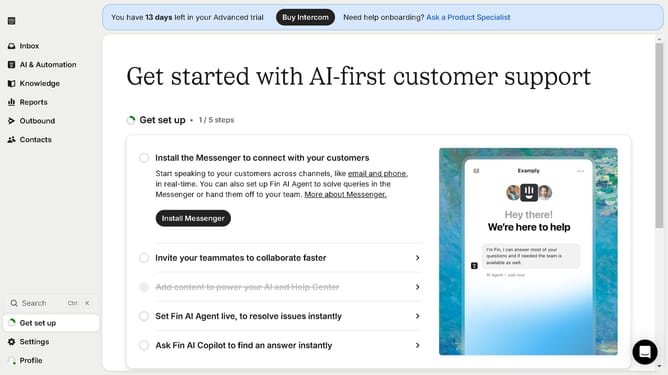
How to archive a customer ticket type in Intercom
Here is how to archive a customer ticket type in intercom
- First click on the "Settings" option in the left sidebar menu
- Then click on the "Inbox" item in the settings menu
- Next click on the "Tickets" option under the Inbox section
- Then click on the "Edit" button
- Click on the "Archive ticket type" button in the top right corner
- Finally click on the "Archive" button in the confirmation dialog
Why should you archive a customer ticket type in Intercom
Intercom is a powerful platform designed to enhance customer communication and support.
Archiving customer ticket types in Intercom helps you maintain an organized and efficient workspace by categorizing and storing tickets that are no longer active. This feature enables support teams to focus on current issues without losing valuable historical data.
By archiving tickets, you boost team productivity and keep your dashboard sleek and free from clutter. Enhanced efficiency leads to improved response times and better customer satisfaction.
Last update