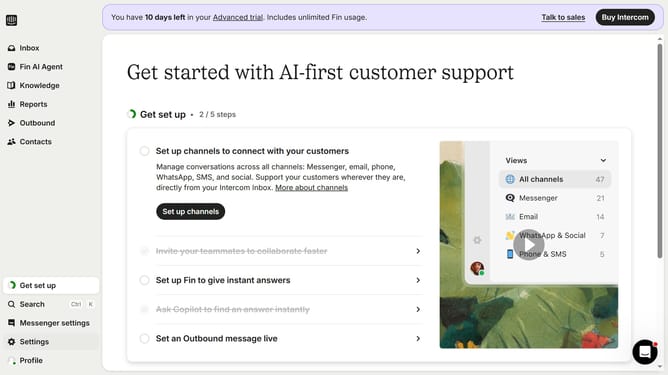
How to add steps to a checklist in Intercom
Here is how to add steps to a checklist in intercom
- First click on "Outbound" link in the left sidebar
- Then click on "Sample Checklist" link in the messages list
- Next click on "Edit" button in the top menu
- Then click on the "Add steps" option in the checklist content area
- Click on the description field in the step editor
- Finally click on "Save and close" button in the top menu
Why should you add steps to a checklist in Intercom
Intercom is a powerful platform designed to streamline customer communication for businesses.
Using the checklist feature in Intercom lets you effortlessly add steps to tasks, ensuring every detail is accounted for. It helps keep your projects organized and enhances productivity by visually breaking down tasks into manageable parts.
This feature also promotes teamwork, as teams can easily track progress and ensure nothing is overlooked. Overall, it fosters efficiency and thoroughness in customer interaction and task management.
Last update