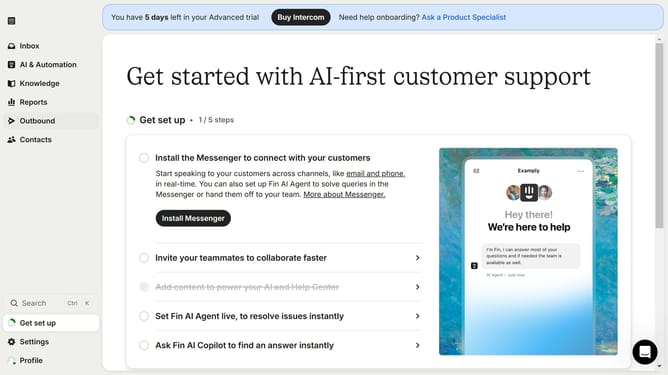
How to disable email notifications for conversation updates in Intercom
Here is how to disable email notifications for conversation updates in intercom
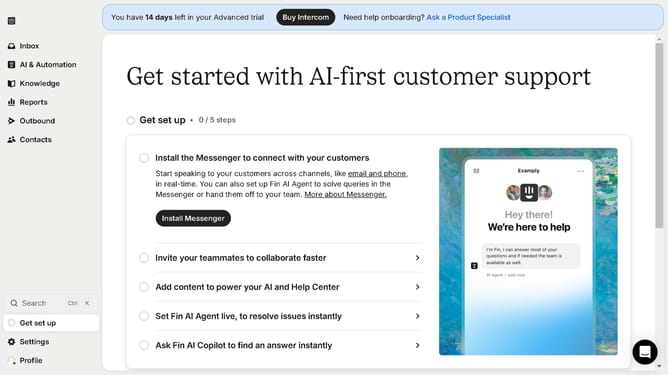
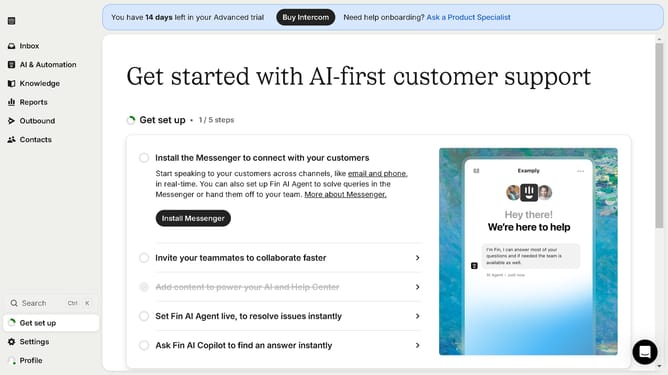
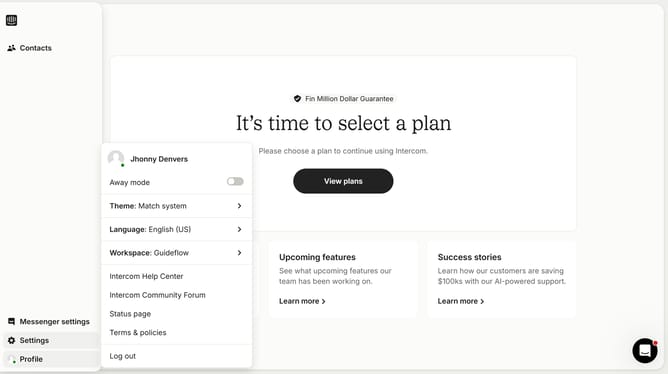
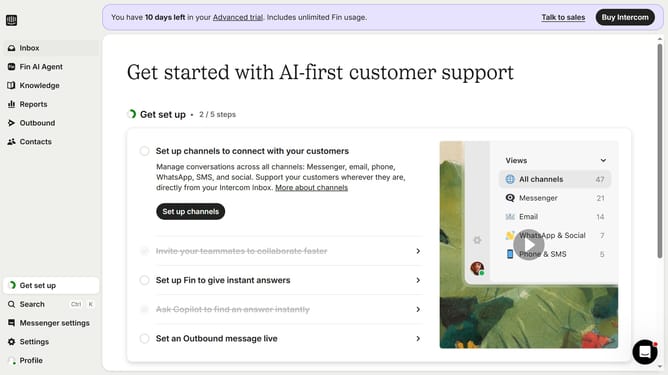
- First click on "Settings" button in the left sidebar
- Then select "Channels" from the left sidebar menu
- Next click on "Email" option under the Channels menu
- After that, click on "Email settings" tab
- Finally click on the toggle switch OFF for "Conversation updates"
Why should you disable email notifications for conversation updates in Intercom
Intercom is a powerful customer communication platform designed to enhance interactions between businesses and their customers.
By opting to disable email notifications for conversation updates in Intercom, users can streamline their inbox, reducing clutter and focusing on more pertinent communications.
This feature ensures that users remain undistracted and can prioritize their workflow without frequent interruptions. It enables businesses to maintain a cleaner and more organized communication channel.
Last update