How to enable email notifications for ticket updates in Intercom
Here is how to enable email notifications for ticket updates in intercom
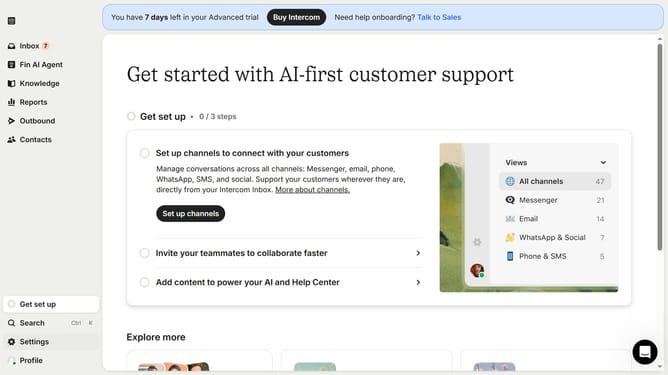
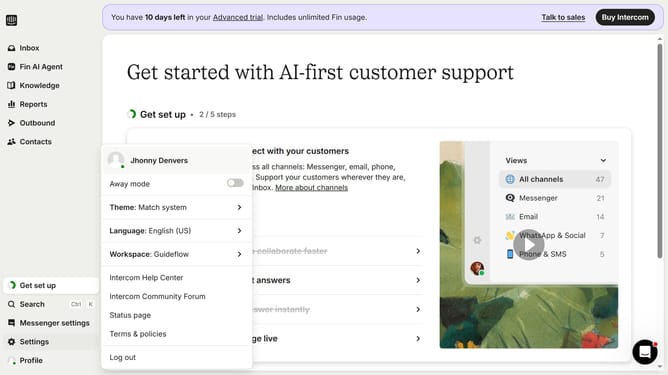
- First click on "Settings" item in the left sidebar
- Then select "Channels" from the left sidebar menu
- Next click on "Email" from the list of channels
- Then click on "Email settings" button to configure email settings
- Finally toggle the "Ticket updates" switch ON to enable it
Why should you enable email notifications for ticket updates in Intercom
Intercom is a leading customer communication platform designed to enhance interactions between businesses and clients.
Enabling email notifications for ticket updates in Intercom ensures users never miss crucial updates about their support tickets.
This feature allows for seamless communication by providing real-time alerts, which keeps everyone informed and engaged.
Ultimately, it enhances response times, improves customer satisfaction, and boosts overall productivity by fostering efficient ticket management.
Last update