How to send a WhatsApp message during a specific time in Intercom
Here is how to send a whatsapp message during a specific time in intercom
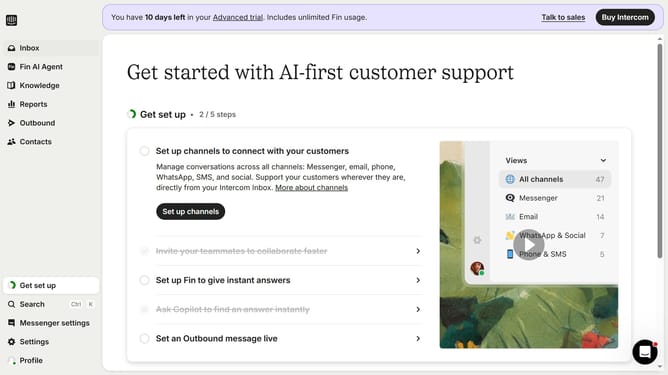
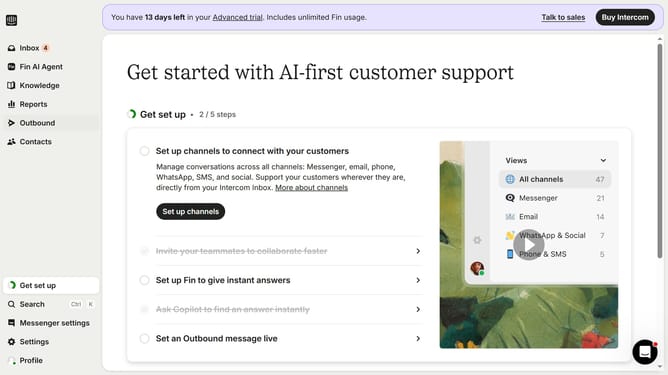
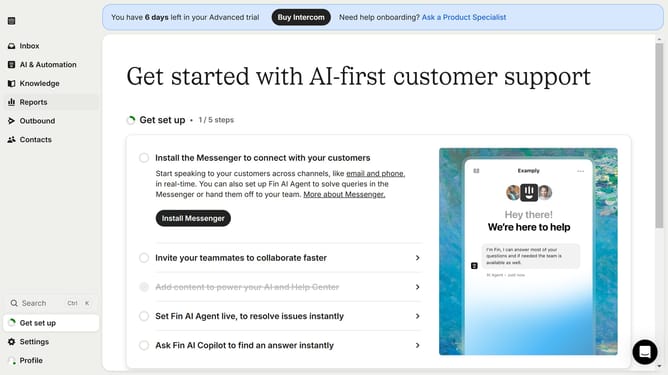
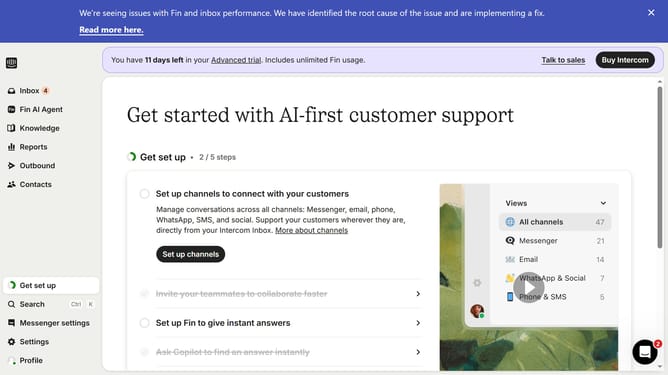
- First click on the "Outbound" item in the left sidebar menu
- Then click on the "New message" button in the top right corner of the main content area
- Next click on the "WhatsApp" template option in the template selection menu
- Then click on the "Frequency and scheduling" dropdown section in the message settings
- Next select "on any day, any time" from the sending schedule dropdown
- Then click on "At custom times" option in the schedule settings menu
- Finally click on the time schedule grid to set specific delivery times
Why should you send a WhatsApp message during a specific time in Intercom
Intercom is a dynamic platform designed to streamline customer communication and enhance engagement.
The feature to schedule WhatsApp messages for a specific time in Intercom offers remarkable flexibility, allowing businesses to interact with customers at optimal times.
Utilizing this functionality ensures messages are delivered when recipients are most available, driving increased engagement and response rates.
This capability empowers businesses to maintain timely, relevant communication and optimize their customer interactions.
Last update