How to enable the ticket state inbox filter in Intercom
Here is how to enable the ticket state inbox filter in intercom
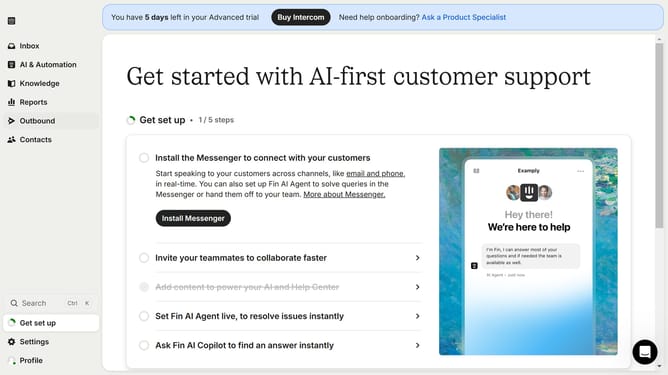
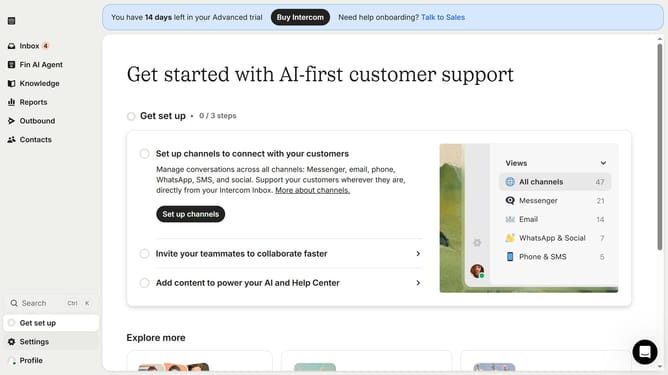
- In the left sidebar, click on the "Settings" option
- In the settings menu, click on the "Inbox" section
- Under the Inbox submenu, click on the "Tickets" option
- In the top navigation tabs, click on the "Ticket states" tab
- Toggle the switch to "Enable ticket state filters in the inbox"
Why should you enable the ticket state inbox filter in Intercom
Intercom is a dynamic platform designed to revolutionize customer communication and engagement.
The ticket state inbox filter is a pivotal feature within Intercom that enhances the efficiency of interaction management. By enabling this filter, users can effortlessly organize and navigate tickets based on their state, ensuring that no important conversation slips through the cracks.
This feature is especially beneficial for teams aiming to maintain a streamlined workflow, as it allows quick access to unresolved issues and keeps customer interactions prioritized and manageable. The result is a more responsive and effective support team.
Last update