How to turn on track team response metrics during office hours in Intercom
Here is how to turn on track team response metrics during office hours in intercom
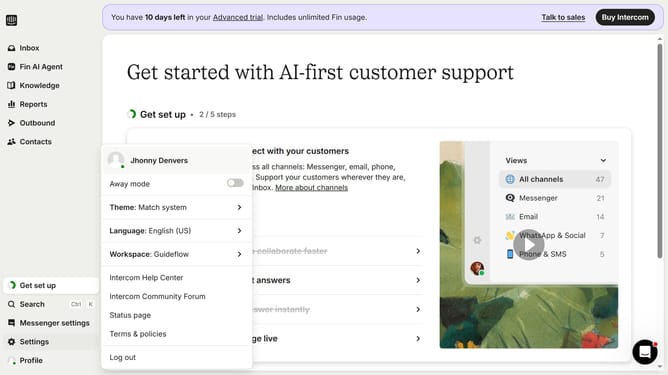
- First click on the "Settings" option in the left sidebar
- Then click on "Workspace" section in the settings menu
- Next click on "Office hours" item in the workspace submenu
- Finally toggle this setting on to ensure that response metrics are calculated during office hours
Why should you turn on track team response metrics during office hours in Intercom
Intercom is a dynamic platform designed to elevate customer communication and engagement.
Turning on track team response metrics during office hours in Intercom empowers businesses by offering keen insights into team efficiency and customer satisfaction.
This feature ensures that teams remain responsive, aligning their performance with business goals while fostering a positive customer experience.
Overall, utilizing this feature leads to improved response times and more strategic resource allocation, greatly enhancing operational effectiveness.
Last update