How to delete a message in Intercom
Here is how to delete a message in intercom
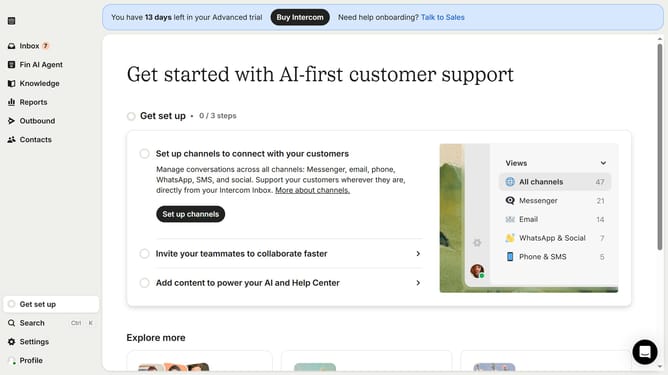
- First click on the "Outbound" item in the left sidebar menu
- Then click on the checkbox beside the message you want to select
- Next click on the "Delete" button in the top message actions bar
- Finally click on the "Delete" button in the confirmation dialog box
Why should you delete a message in Intercom
Intercom is a customer communication platform designed to enhance engagement and support through effective messaging.
Deleting a message in Intercom is a feature that empowers users to maintain a clean and organized communication history, ensuring that only relevant and up-to-date information remains accessible.
Utilizing this function helps in minimizing clutter, thereby improving the efficiency of response handling and user experience.
Embracing the ability to delete messages ensures streamlined conversations and keeps your communication channels effective and focused.
Last update