How to disable untrusted link warnings for teammates in Intercom
Here is how to disable untrusted link warnings for teammates in intercom
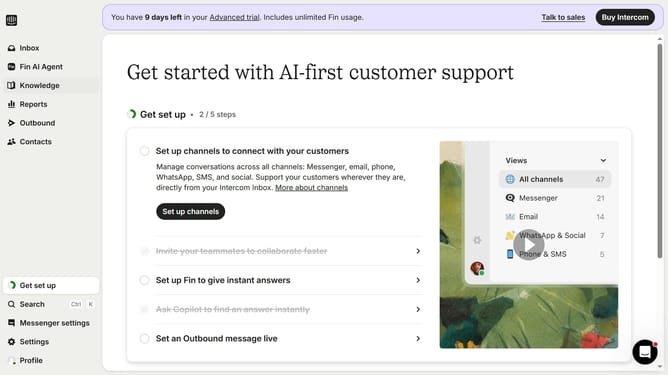
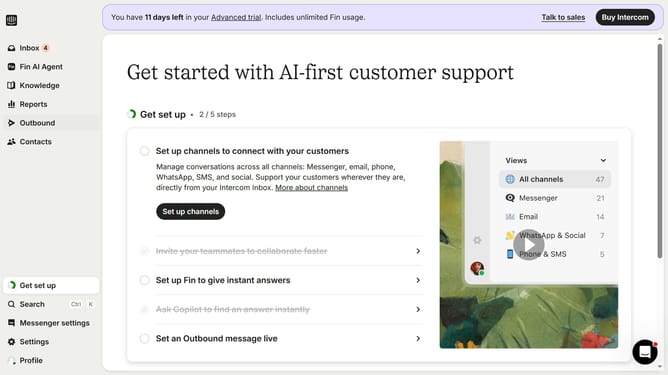
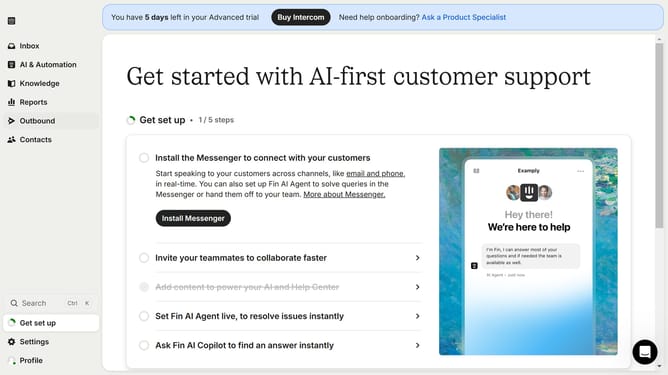
- First click on "Settings" in the left sidebar menu
- Then click on "Workspace" option in the settings menu
- Next click on "Security" in the workspace submenu
- Then click on "Links" section in the security settings
- Toggle off "Untrusted warnings" option in the links settings
- Finally click "Accept risk" button in the confirmation dialog
Why should you disable untrusted link warnings for teammates in Intercom
Intercom is a powerful platform designed to streamline customer communication seamlessly.
In an environment where collaboration and trust are paramount, disabling untrusted link warnings for teammates in Intercom can greatly enhance workflow efficiency. This feature ensures that your internal communications remain uninterrupted and fluid, fostering immediate access to shared resources among trusted team members.
By disabling these warnings, teams can save valuable time and maintain focus, elevating productivity and encouraging seamless collaboration within the workspace.
Last update