How to add an article to a folder on Intercom
Here is how to add an article to a folder on intercom
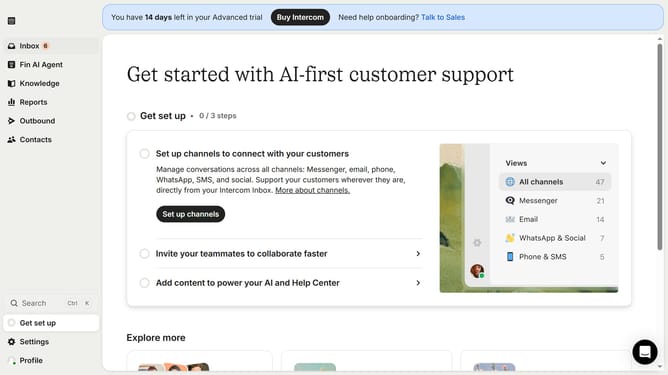
- First click on the "Knowledge" item in the left sidebar menu
- Select the article from the content list in the main panel
- Click the "More actions" dropdown button in the toolbar
- Select "Move to folder" option from the dropdown menu
- In the move dialog, click on the folder as the destination
- Finally click the "Move" button to complete the folder transfer
Why should you add an article to a folder on Intercom
Intercom is an innovative platform designed to enhance customer communication and engagement.
The ability to add an article to a folder on Intercom is a feature that streamlines content organization, ensuring that information is easy to access and manage.
By categorizing articles into specific folders, users can maintain a structured knowledge base, facilitating quicker retrieval and improving team efficiency.
This organization not only saves time but also enhances the overall user experience, making customer support more effective and less stressful.
Last update