How to send a scheduled post in Intercom
Here is how to send a scheduled post in intercom
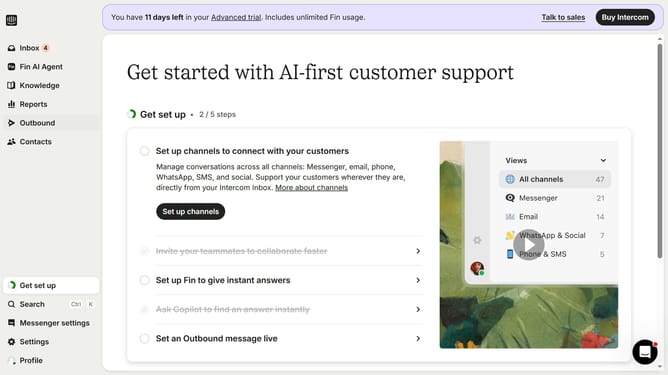
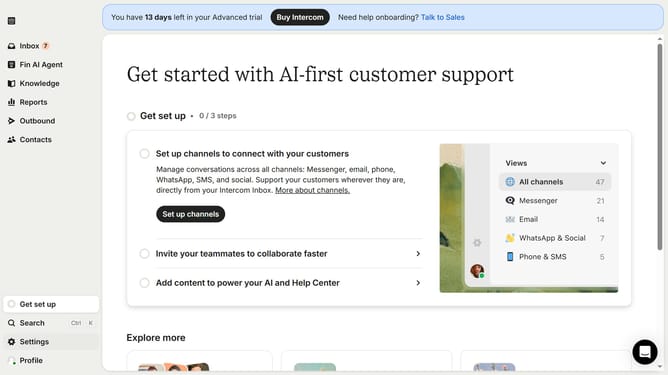
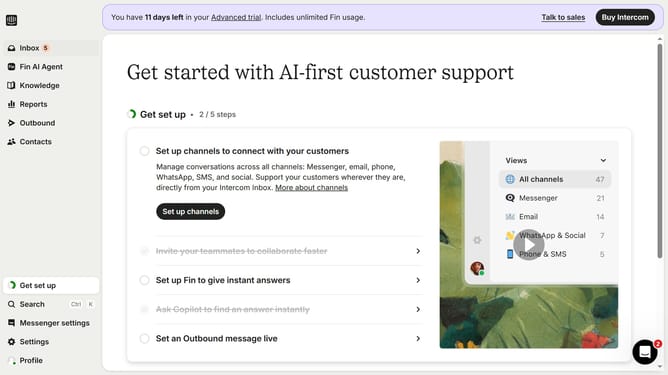
- First click on the "Outbound" option in the left sidebar
- Then click on the "New message" button in the top right corner
- Click on the "Post" template option from the template selection screen
- Click on the "Frequency and scheduling" dropdown section in the message settings
- Select "Custom date" radio button under the Start sending options
- Finally select the date and time you want to send the post in the custom date picker
Why should you send a scheduled post in Intercom
Intercom is a powerful platform designed to streamline customer communication and enhance engagement.
One of its standout features is the ability to send scheduled posts. This allows businesses to reach their audience at optimal times without needing to be online.
Using scheduled posts ensures timely deliveries of important updates, promotions, or reminders. This can help maximize visibility and interaction rates.
Overall, scheduling posts in Intercom adds efficiency to communication strategies, enabling businesses to maintain consistent and proactive connections with customers.
Last update