How to unmark a conversation as priority on Intercom
Here is how to unmark a conversation as priority on intercom
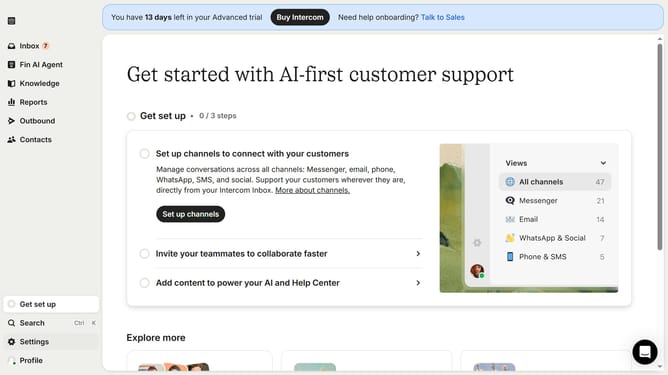
- First click on "Inbox" in the left sidebar
- Then click on the message that you want to manage to open it
- Finally click on the star icon to remove priority
Why should you unmark a conversation as priority on Intercom
Intercom is a dynamic platform designed to revolutionize customer communication through streamlined messaging.
Unmarking a conversation as priority on Intercom is a simple yet powerful feature that ensures your focus is always on the most urgent tasks.
Utilizing this feature allows you to maintain an organized workflow, making it easy to identify and prioritize conversations that require immediate attention.
By efficiently managing priority tags, teams can enhance productivity and ensure crucial customer interactions are handled promptly.
Last update