How to deactivate malicious link warnings in Intercom
Here is how to deactivate malicious link warnings in intercom
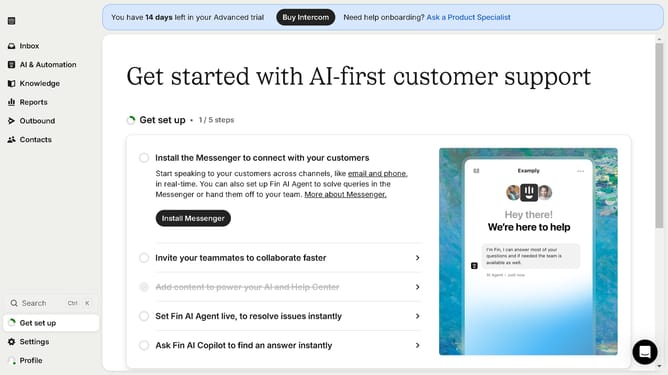
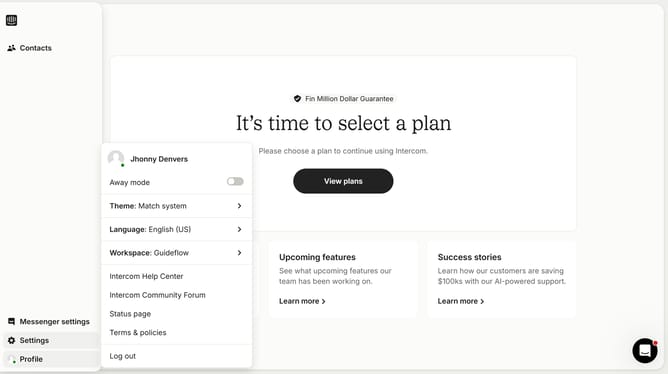
- First click on the "Settings" button in the left sidebar menu
- Then click on the "Workspace" section in the settings navigation menu
- Next select the "Security" option under the Workspace submenu
- Then click on the "Links" section in the Security settings page
- Now click on the "Malicious warnings" toggle switch to disable this security feature
- Finally click the "Accept risk" button in the confirmation dialog
Why should you deactivate malicious link warnings in Intercom
Intercom is a versatile tool designed to enhance customer communication and support.
Sometimes, users might want to deactivate malicious link warnings in Intercom to streamline their workflow without interruption. By adjusting this feature, you can ensure smoother interaction, particularly when consistently dealing with trusted sources.
This adjustment can save time and reduce unnecessary alerts, allowing for a more efficient use of the platform, while still maintaining vigilance over online security practices. Enjoy uninterrupted communication with peace of mind.
Last update