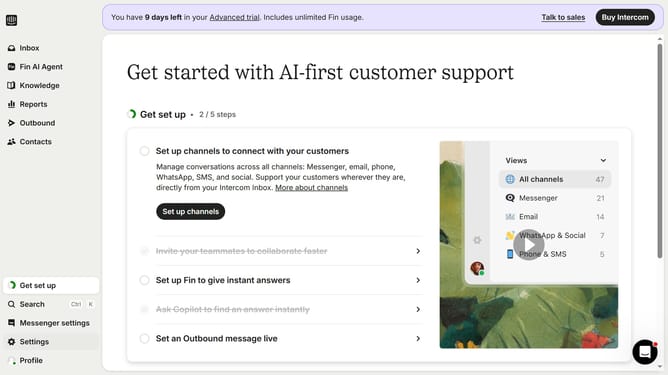
How to send a scheduled mobile push in Intercom
Here is how to send a scheduled mobile push in intercom
- First click on "Outbound" in the left sidebar menu
- Then click on "New message" button in the top-right corner of the Messages page
- Next click on "Mobile Push" template option in the template selection modal
- Then click on "Frequency and scheduling" section in the message settings
- In the expanded Frequency section, click on "Custom date" radio button under Start sending
- Finally select the date and time you want to send the mobile push in the custom date picker
Why should you send a scheduled mobile push in Intercom
Intercom is a versatile customer messaging platform designed to enhance communication and engagement.
Sending a scheduled mobile push in Intercom allows you to connect with your users at just the right moment, maximizing the impact of your messages.
By scheduling these push notifications, you can ensure timely and personalized interactions, leading to increased user engagement and retention.
This feature is particularly beneficial for time-sensitive promotions and updates, providing users with relevant information exactly when they need it.
Last update