Intercom
Intercom is a customer messaging platform that enables businesses to provide live chat, automation, and support.
Website
Industry
Support
Share this article:

How to disable notifications for mentions of you in a conversation in Intercom

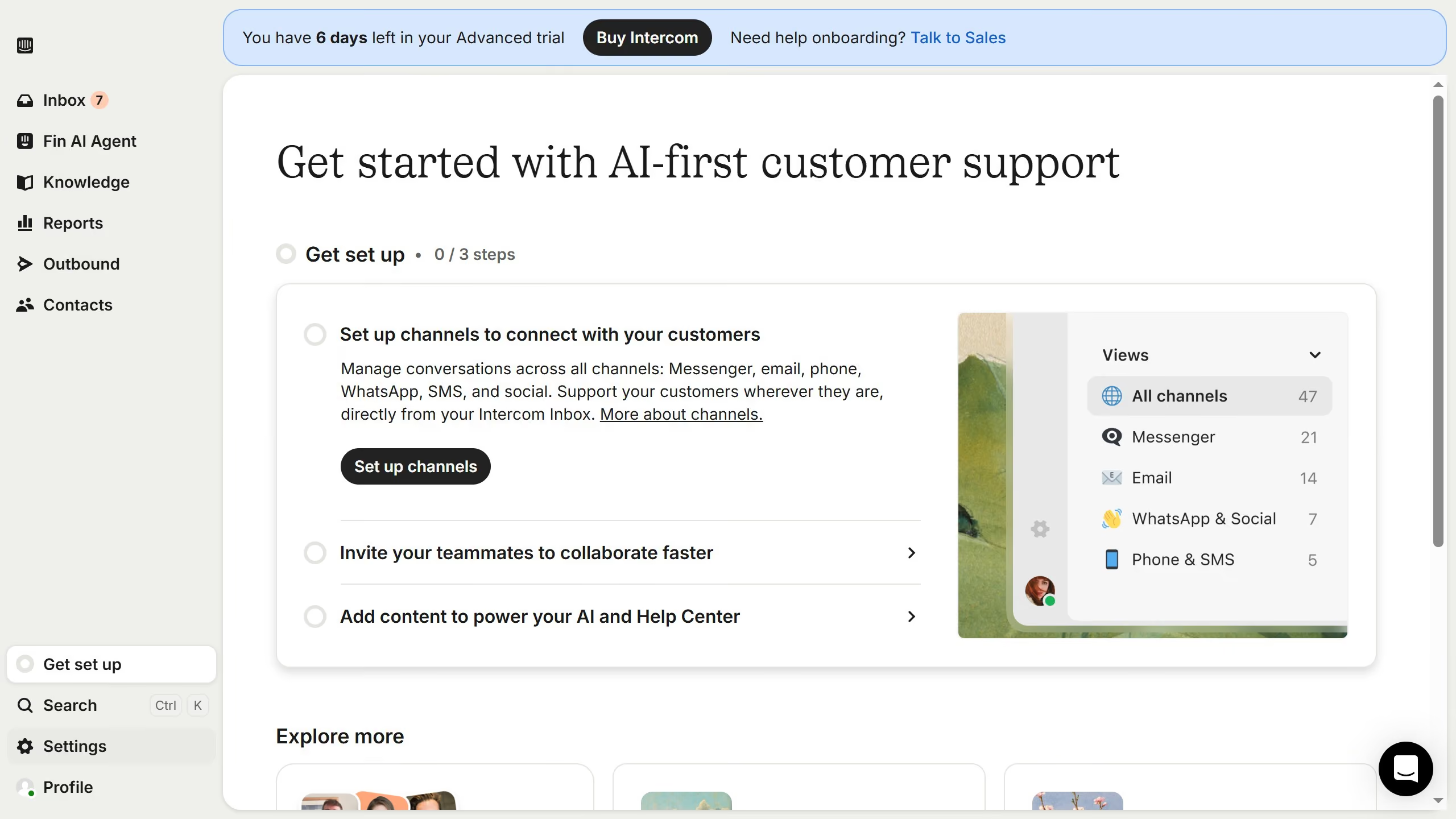
Here is how to disable notifications for mentions of you in a conversation in intercom

  1. First click on "Settings" item in the left sidebar
  2. Then click on "Personal" item in the left sidebar
  3. Next click on "Notifications" item in the left sidebar
  4. Then uncheck "Mobile" checkbox
  5. Finally click on "Save" button in the top right corner

Create your own interactive guide with Guideflow

Why should you disable notifications for mentions of you in a conversation in Intercom

Intercom is a powerful customer communication platform designed to connect businesses with their users through personalized messaging.

Disabling notifications for mentions of you in a conversation is an essential feature within Intercom that enhances focus and reduces distractions. This allows you to manage your workflow without the constant interruptions caused by alerts.

By using this feature, you can prioritize tasks and maintain productivity, ensuring that your attention is directed only towards critical communications that require immediate action.

Last update
June 12, 2026
Cursor MariaA cursor points to a button labeled "James."

Create your first demo in less than 30 seconds.