How to send a Mobile Push during a specific time in Intercom
Here is how to send a mobile push during a specific time in intercom
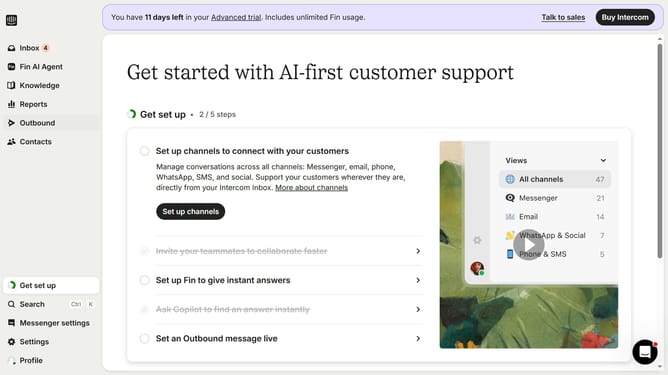
- First click on "Outbound" item in the left sidebar menu
- Then click on "New message" button in the top right corner
- Next click on "Mobile Push" template option from the available templates
- Then click on "Frequency and scheduling" dropdown section
- Click on the "on any day, any time" dropdown menu to expand scheduling options
- Select "At custom times" option from the dropdown menu
- Click on the time slot grid to select specific sending times
Why should you send a Mobile Push during a specific time in Intercom
Intercom is an advanced messaging platform designed to seamlessly connect businesses with their customers.
Sending a Mobile Push at a specific time in Intercom allows businesses to tailor their communications for optimal engagement. By scheduling messages when users are most active, organizations can maximize their reach and relevance.
This feature is invaluable for ensuring timely delivery of important notifications, promotions, or updates, thus enhancing user experience and boosting overall campaign effectiveness.
Last update