How to disable email auto-reply in Intercom
Here is how to disable email auto-reply in intercom
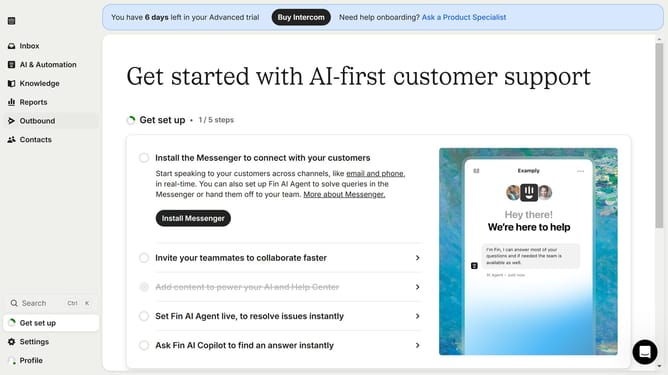
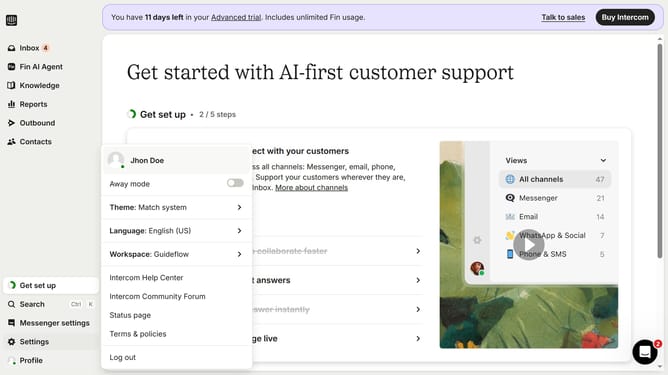
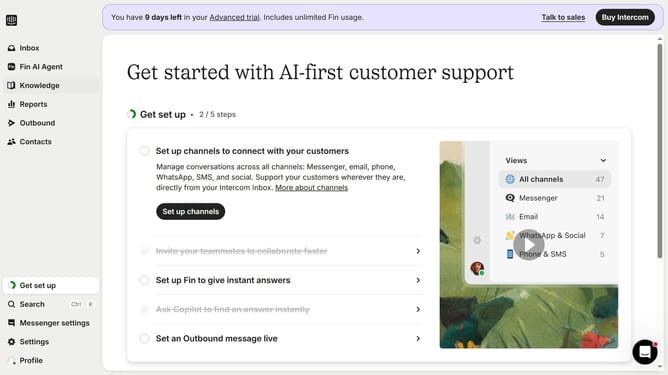
- First click on the "Settings" option in the left sidebar menu
- Then click on the "Channels" section in the settings menu
- Next click on the "Email" option under Channels in the left sidebar
- Click on the "Email settings" tab in the main content area
- Finally click on the "Enable auto replies" toggle switch to turn it off
Why should you disable email auto-reply in Intercom
Intercom is a versatile communications platform designed to improve customer engagement and support.
Disabling the email auto-reply feature in Intercom is a smart option when you need to provide more personalized responses to your customers.
This feature helps maintain a more authentic and genuine interaction, ensuring that customer inquiries are met with thoughtful replies rather than automated messages.
By manually managing replies, companies can cultivate stronger relationships and improve communication effectiveness with their clients.
Last update