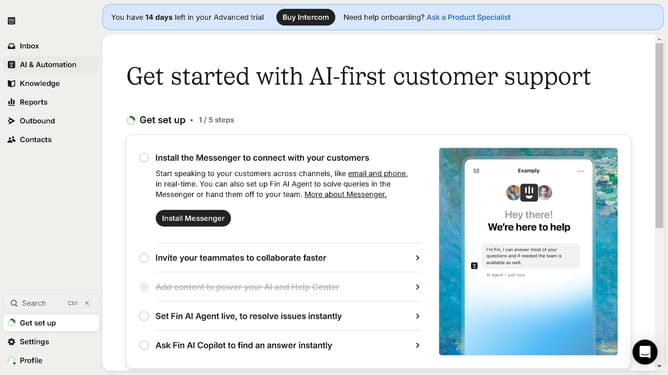
How to allow including conversation history in replies in Intercom
Here is how to allow including conversation history in replies in intercom
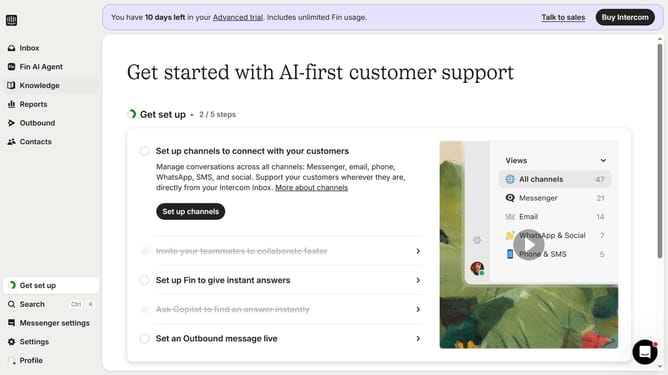
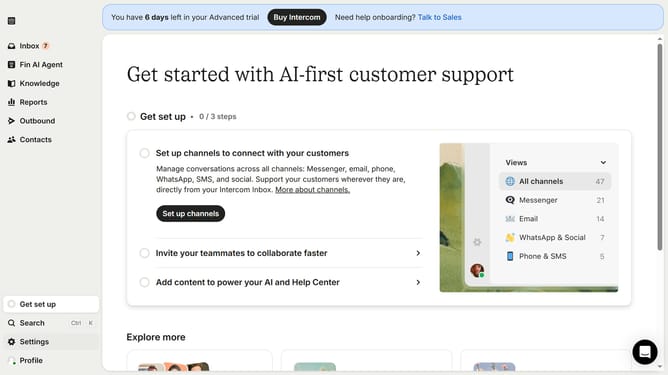
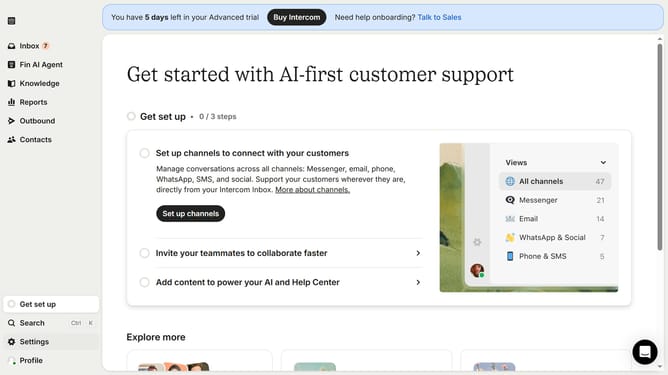
- First click on "Settings" link in the left sidebar
- Then click on "Channels" item in the left sidebar
- Next, select "Email" from the expanded list in the left sidebar
- Then click on the "Email settings" tab
- Finally, click on the toggle switch to enable "Include conversation history"
Why should you allow including conversation history in replies in Intercom
Intercom is an innovative communication platform designed to enhance customer interactions.
Allowing conversation history in replies is a valuable feature of Intercom that enables seamless communication by providing comprehensive context of past interactions.
This feature ensures that both customers and support teams have a clear understanding of the issues at hand, ultimately resulting in faster resolutions and improved customer satisfaction.
Including conversation history helps avoid repetitive explanations and keeps the communication continuous and efficient.
Last update